

Practical guides
for developers.
Practical blog posts that explain the workflows around WebToolsPlanet tools: formatting, accessibility, gradients, JSON debugging, QR publishing, and more.
How to Create an Inverted Color Palette for UI Design
A practical workflow for inverting a UI color palette — batch inversion, CSS variables, and the accessibility checks an inverted palette still needs.
Browse by category
Dive straight into the workflow category you need.
Latest posts
Support content that explains the workflows behind the tools, not just the widget controls.
Inverted Color Chart: Common Colors and Their RGB Opposites
Common colors and their RGB inverses, explained. Learn why "green inverted" or "brown inverted" depends on the exact shade, and how RGB inversion differs from HSL complements.
How to Turn On Invert Colors on Android, iPhone, Windows, and Mac
Step-by-step instructions for turning on invert colors as an accessibility display setting on Android, iPhone/iPad, Windows 11, and macOS.
Inverted Colors Explained: RGB Inverse vs Complementary Colors
Inverted colors and complementary colors are not the same thing. Learn the RGB inversion formula, the HSL hue-complement formula, and when to use each.
How to Create a Tweet Mockup for Presentations and Client Approvals
Build X post mockups for pitch decks and client sign-off — a step-by-step workflow covering copy, media, themes, labeling, and clean image export.
How to Preview a Tweet Before Posting
Check an X post before publishing — character count, line breaks, image crops, link previews, and light/dark themes — with a free in-browser preview workflow.
How to Spot a Fake Tweet Screenshot
Learn how to verify a tweet or X post screenshot — find the original post, check the handle and date, search archives, and spot visual inconsistencies.
X Post Image Sizes and Media Layouts Explained
Recommended X (Twitter) image sizes for posts, profiles, headers, and link previews, plus how 1–4 image layouts crop in the timeline and how to prepare media.

50 Animal Fusion Ideas for Drawing and Character Design
50 real hybrid animal ideas with names and looks, made with the free Animal Fusion Generator. Six full profiles included for drawing and character prompts.
How to Validate HTML Forms Properly
Validate HTML forms with required, pattern, minlength, and type attributes, plus reportValidity/setCustomValidity — and a hidden-field bug in multi-step forms.
How to Secure a Public Form Endpoint
Secure a public form endpoint — origin/domain checks, rate limiting, request size limits, and data a form should never collect. Free generator included.
Why Form Submissions Are Not Reaching Email
Troubleshoot a contact form that isn't sending email — check name attributes, method, verification, spam, and endpoint config. Free generator included.
How to Handle Form Submissions on a Static Website
Handle form submissions on a static site with no backend — form-endpoint providers, serverless functions, and platform-native handling. Free generator included.
How HTML Form Action and Method Work
How the HTML form action and method attributes work — GET vs POST, when the browser navigates, and submitting without a page reload. Free generator included.
Honeypot vs CAPTCHA for Form Spam
Compare honeypot fields and CAPTCHA for stopping form spam — how each works, what they block, and which to use first. Free generator with honeypot support.

How to Submit a React Form to an API
Submit a React form to an API with fetch — controlled inputs, a submit handler with loading/error states, and honeypot protection. Free generator included.
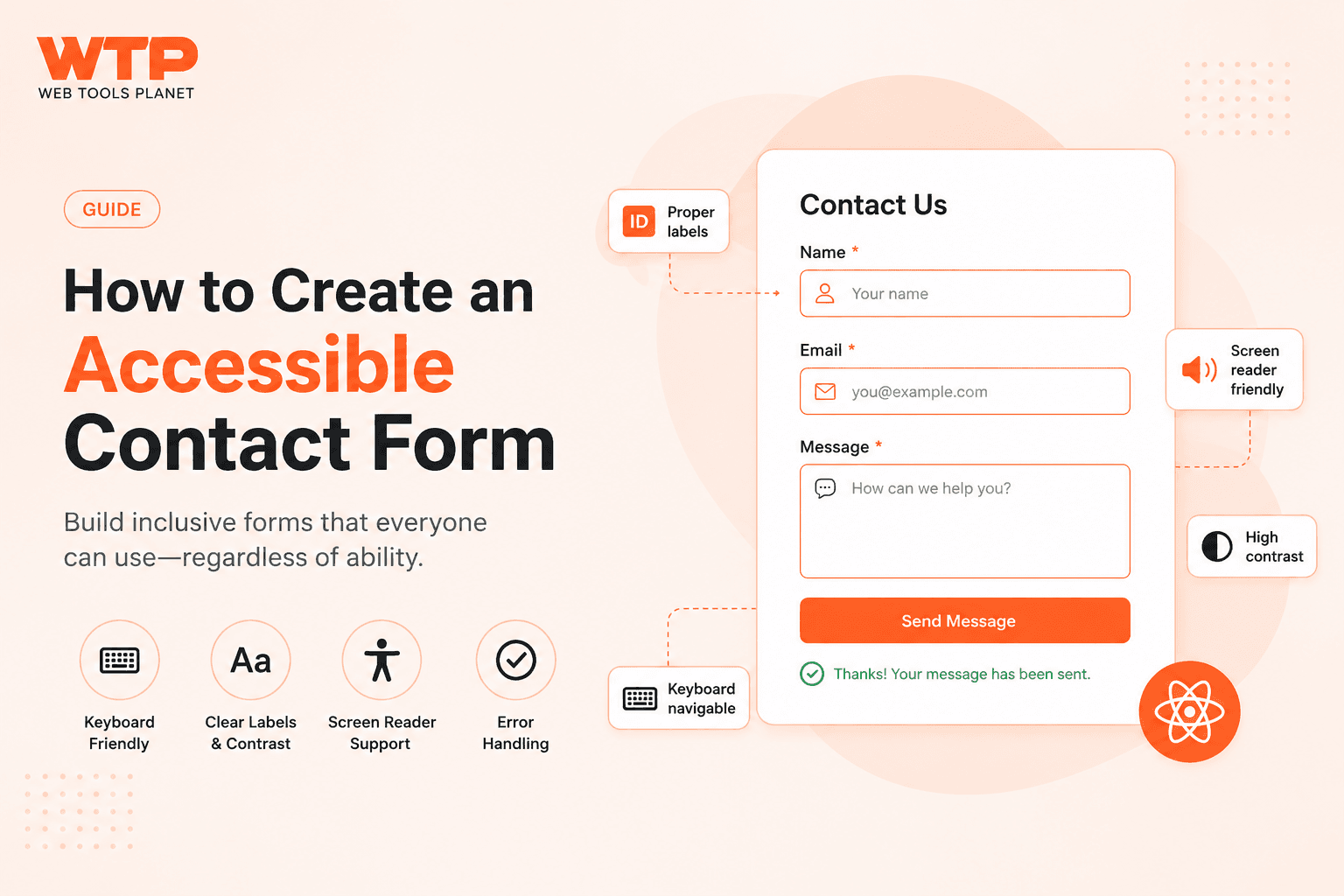
How to Create an Accessible Contact Form
Build an accessible HTML contact form — linked labels, fieldsets for grouped inputs, aria-describedby help text, and keyboard support. Free generator included.
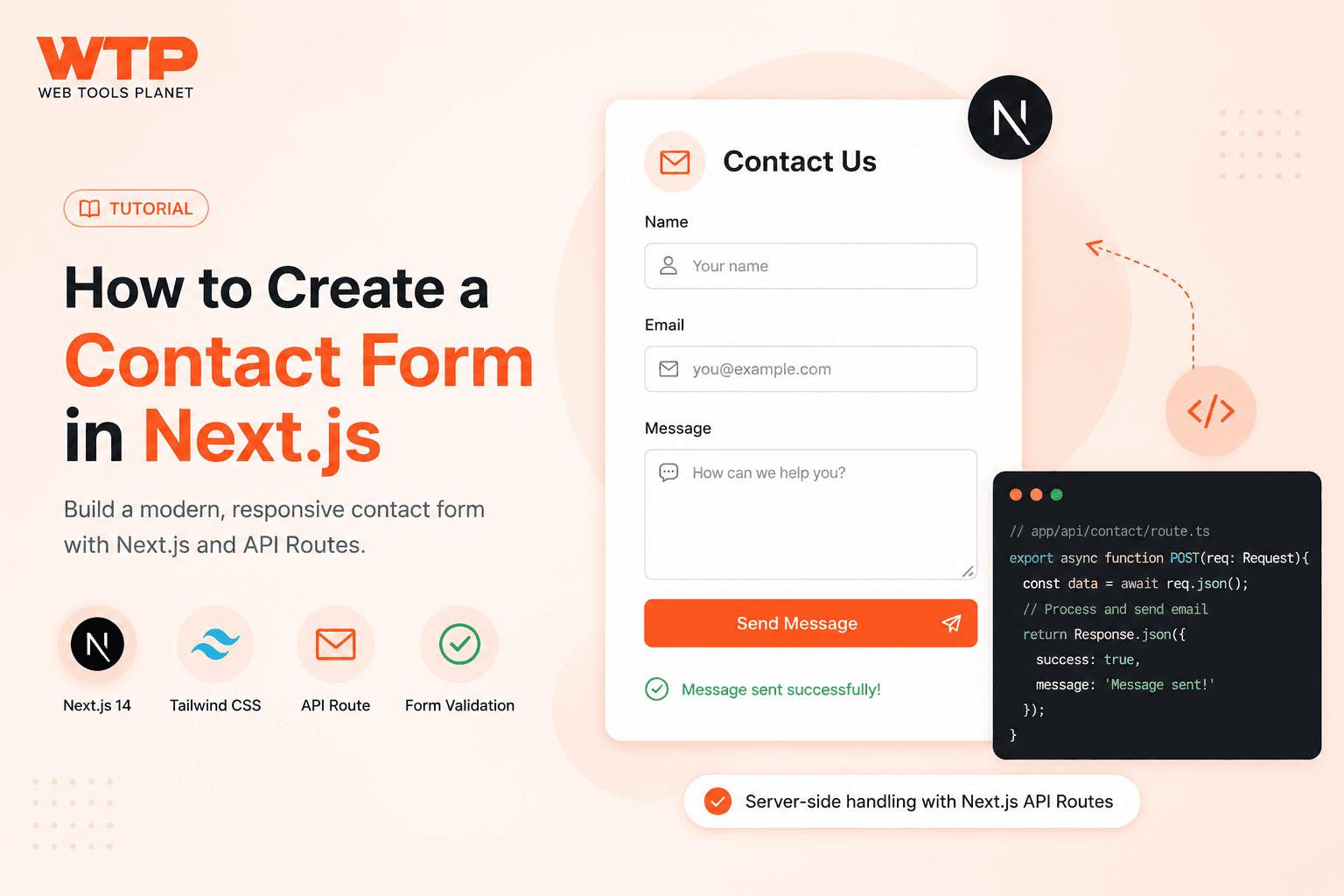
How to Create a Contact Form in Next.js
Build a Next.js App Router contact form — controlled inputs, validation, honeypot protection, and a Route Handler backend. Free generator included.
How to Send an HTML Form to Email Without PHP
Send HTML form submissions to your email without PHP or a backend server — required markup, endpoint setup, spam protection, and a free form generator.
How to Scan a QR Code on a Mac, PC, or Chromebook (No Camera Needed)
Learn how to scan a QR code on a Mac, Windows PC, or Chromebook without a camera — take a screenshot, upload it, and read the code in seconds.
Reverse QR Code Lookup: How to Read a QR Code's Contents Without an App
Looking for a "reverse QR code" tool? Here's how to decode what's inside an existing QR code, and separately, how to generate one from raw data.
How to Scan a QR Code on iPhone (Every Method)
Learn every way to scan a QR code on iPhone — the Camera app, Control Center's Scan Code button, the hidden Settings toggle, and scanning from a screenshot or saved photo.
QR Code Not Scanning on iPhone: 6 Fixes
iPhone camera not scanning a QR code? Try these 6 fixes — from a hidden settings toggle to checking whether the code itself is the problem.
Barcode Label Unreadable and Replaced — What This Shipping Notice Means
What does "barcode label unreadable and replaced" mean on a FedEx or shipping tracking page? Here's why carriers relabel packages and what to expect next.
How to Scan a QR Code From a Screenshot or Saved Photo (Android + iPhone)
Can't point your camera at a QR code? Learn how to scan one from a screenshot or saved photo on iPhone, Android, or desktop — no app required.
How to Scan a QR Code on Android (Every Method)
Learn every way to scan a QR code on Android — the built-in camera method, Google Lens, and what to do when the code is a screenshot or photo, not in front of you.
QR Code Error Correction Explained (Why Damaged Codes Still Scan)
How does QR code error correction work? Learn the difference between L, M, Q, and H levels, and which one to use for logos, damage, and print.
Why Is My Barcode Damaged or Unreadable? (And What To Do About It)
Ripped, faded, or torn barcode not scanning? Learn why barcodes fail, what scanners can and can't recover from, and how to generate a clean replacement free.
Why Your QR Code Won't Scan: Blur and Low-Resolution Fixes
QR code looks fine but won't scan? Blur or low image resolution is a common cause. Check it instantly with a free QR scanner tool, then fix the underlying issue.
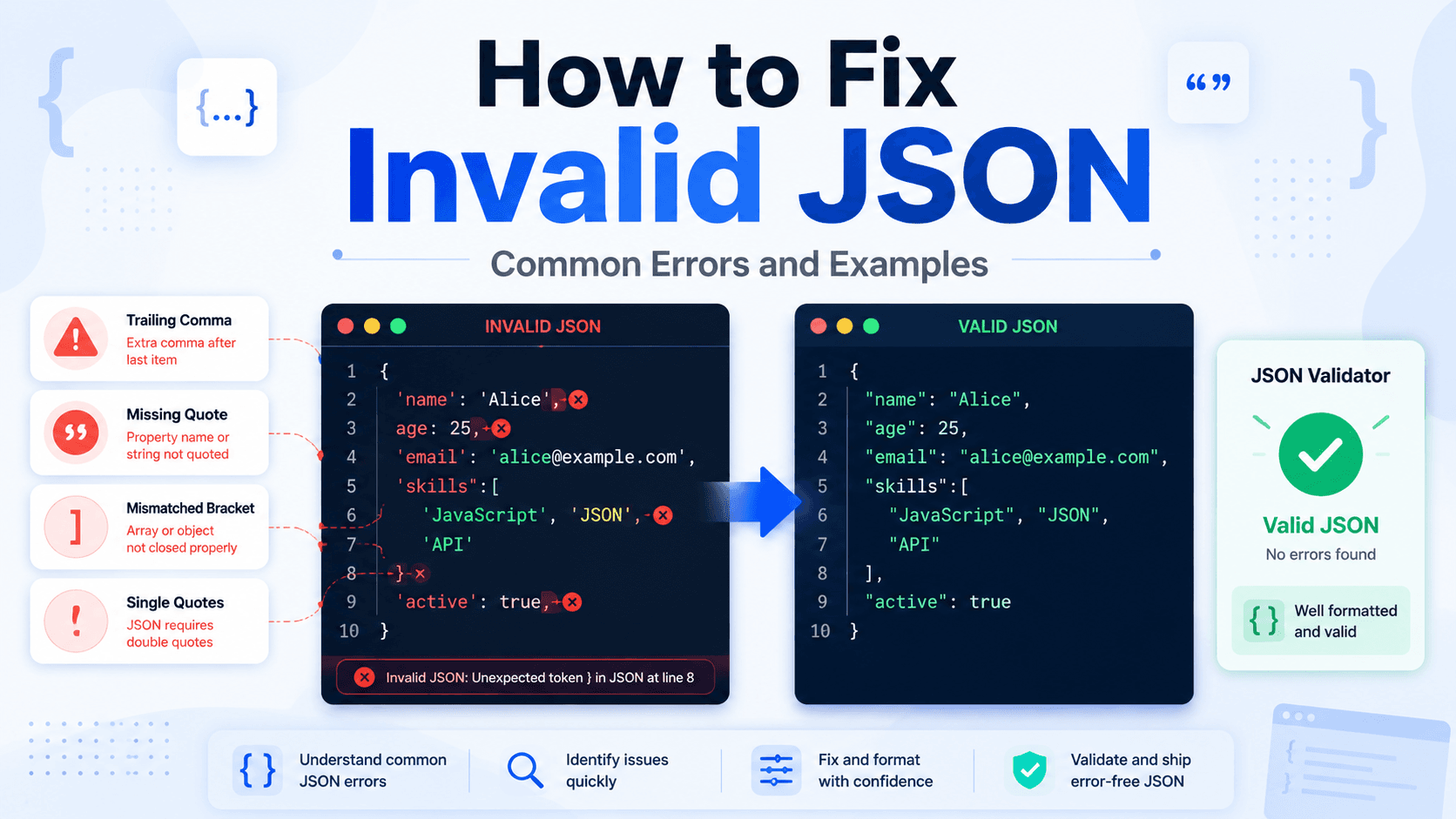
How to Fix Invalid JSON: Common Errors and Examples
Fix invalid JSON fast. Learn the most common JSON syntax errors — trailing commas, missing quotes, bad nesting — with real examples and a free online validator.
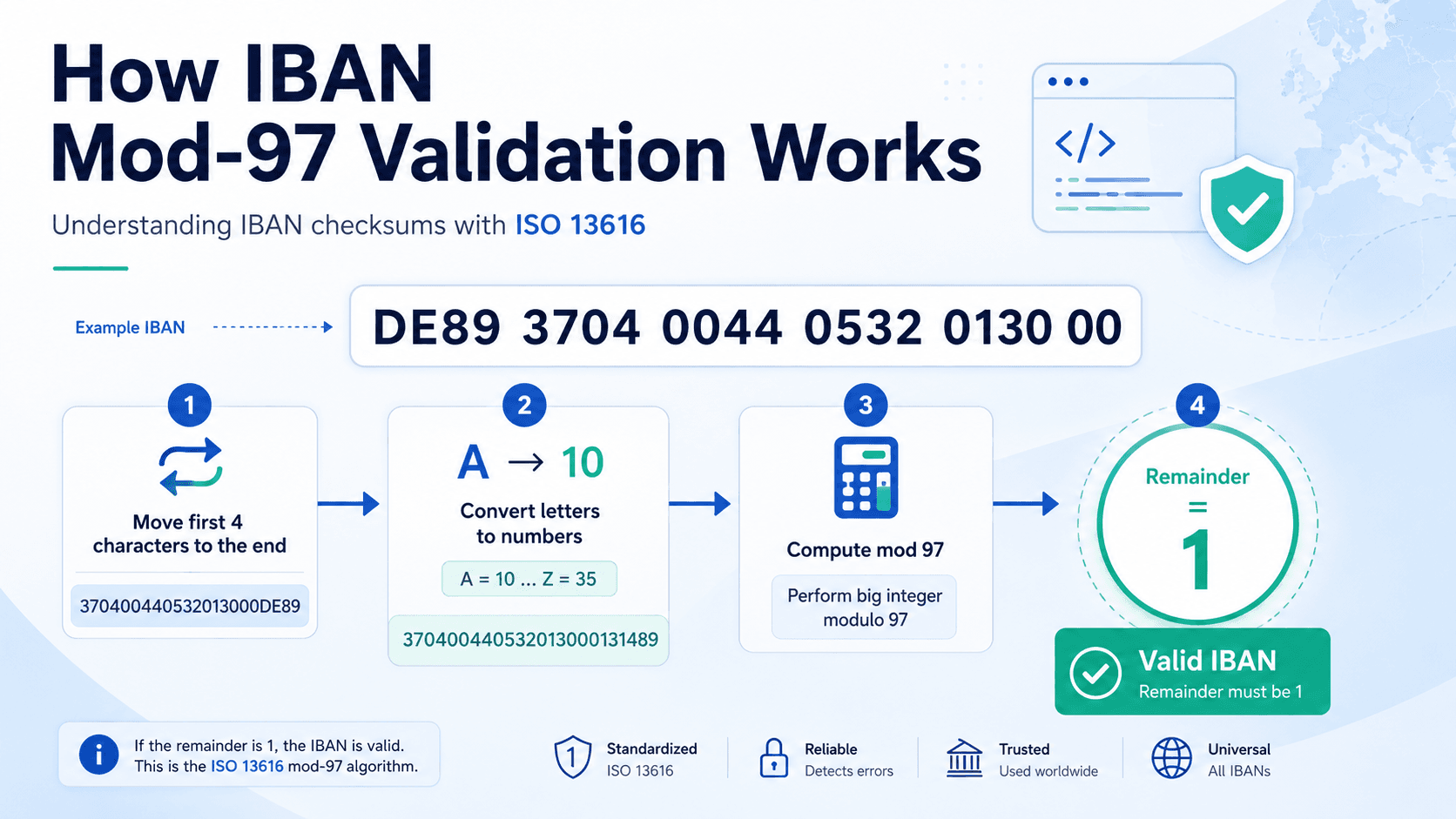
How IBAN Checksum Validation Works (mod-97 Explained)
A step-by-step walkthrough of the ISO 13616 mod-97 algorithm used to validate IBAN check digits, with a worked example.
How to Generate Safe Test Data for Payment Forms
A practical guide to building a QA test suite for payment and checkout forms without using real financial data — covering IBANs, card numbers, and billing addresses.
IBAN vs SWIFT/BIC: What Is the Difference?
IBAN and SWIFT/BIC are both used in international transfers but identify different things. Learn the difference and when international payments need both.
What Is an IBAN? A Practical Guide for Developers
Understand what an IBAN is, how it is structured, why the check digits exist, and how to generate safe fake IBANs for development and QA testing.

Are Free QR Code Generators Safe? What to Check Before You Use One
Learn what makes a free QR code generator safe or risky, what data they can collect, and how to check if a site is trustworthy before generating codes.

How to Generate a Google Review QR Code (Free, No App)
Create a QR code that opens your Google review page directly. Step-by-step guide for businesses, restaurants, and service providers.

How to Generate a QR Code for an Outlook Email or Link
Create a QR code for an Outlook email address, calendar invite link, or shared folder URL. Works on desktop and mobile without any add-in.
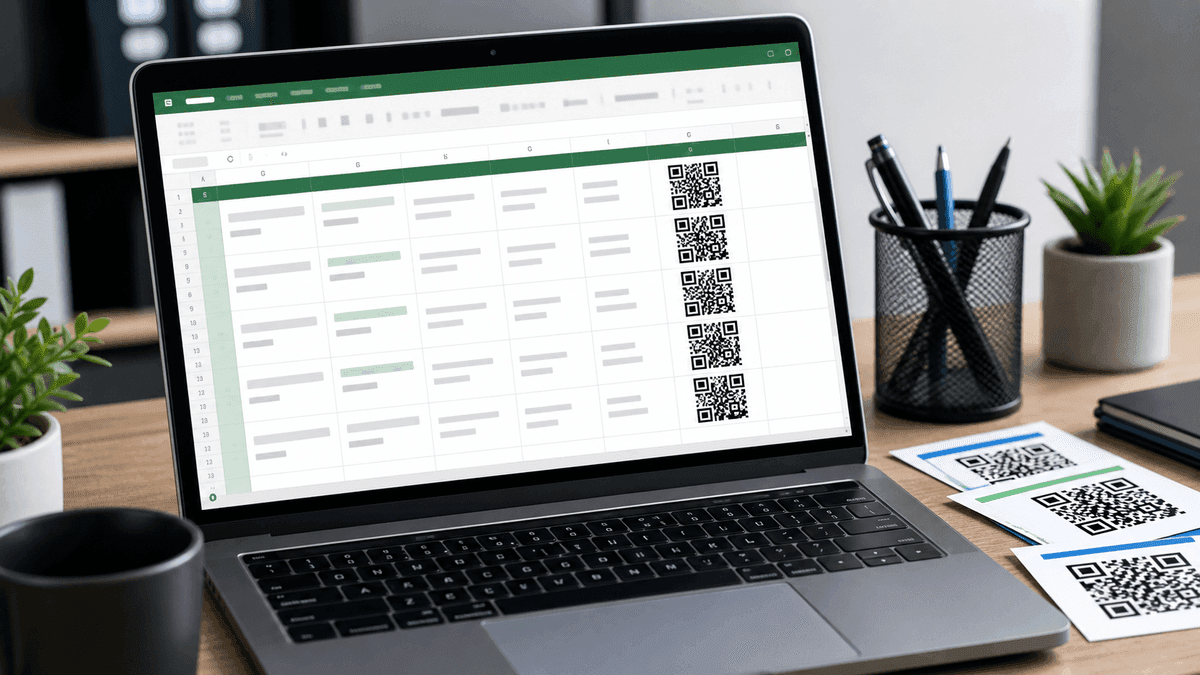
How to Generate a QR Code in Excel (Free Methods)
Three ways to create QR codes in Excel — using an online generator, a free add-in, and a formula method. No coding required.

How to Get a Zelle QR Code for Payments
Find and share your official Zelle QR code from your bank app, plus safe fallback options when your bank does not support Zelle QR codes.

How to Create a QR Code for a PDF Document
Create a QR code for a PDF brochure, catalog, resume, menu, manual, or document. Covers public PDF links, Google Drive sharing, testing, and print settings.
How to Create a QR Code for Google Forms
Create a QR code for a Google Form, survey, RSVP, attendance form, registration form, or feedback form. Covers sharing permissions, examples, mistakes, and print checks.
How to Create a QR Code for Instagram (Free, No App Needed)
Create a free QR code for your Instagram profile, post, or Reel. Step-by-step guide with print size tips, use cases, and FAQ for creators and small businesses.
How to Create a QR Code Menu for Restaurants and Cafes
Create a restaurant menu QR code for table tents, counters, receipts, takeout bags, and window signs. Covers menu URLs, PDF menus, placement, mistakes, and testing.
How to Create a vCard QR Code for Business Cards
Create a vCard QR code for business cards, badges, flyers, and networking. Covers contact fields, print size, privacy, mistakes, and scan testing.
How to Create a WhatsApp QR Code with a Pre-filled Message
Create a WhatsApp QR code that opens a chat with your number and optional pre-filled message. Includes phone format, business examples, mistakes, and print tips.
How to Generate QR Codes in Bulk (Free, Browser-Based)
Generate multiple QR codes at once using the free WebToolsPlanet Bulk QR Code Generator. Step-by-step guide including how to use a URL list from Excel.
QR Code Statistics 2026: Usage, Retail, Mobile and Security Trends
Current QR code statistics for 2026, covering smartphone adoption, mobile internet scale, retail 2D barcode migration, consumer product scans, and QR phishing risk.
How to Choose Accessible Button Colors
Pick accessible button colors for labels, fills, borders, hover states, disabled states, and focus rings without flattening your UI.
WCAG AA vs AAA Contrast: Simple Guide for Designers
Understand the difference between WCAG AA and AAA contrast targets, when each one is realistic, and how to apply them without overcorrecting your palette.
What Is a Good Color Contrast Ratio?
A practical explanation of good contrast ratios for body text, large headings, icons, buttons, and muted interface states.
QR Code Not Scanning? 7 Causes and How to Fix Each One
QR code not scanning? Diagnose the problem by cause: low contrast, cropped quiet zone, print size, logo, payload error, or wrong test method. Fix each one step by step.

How to Add a Logo to a QR Code Without Breaking It
A guide to creating branded QR codes with a logo in the center while keeping them scannable. Covers error correction, logo size limits, contrast rules, and testing checklist.
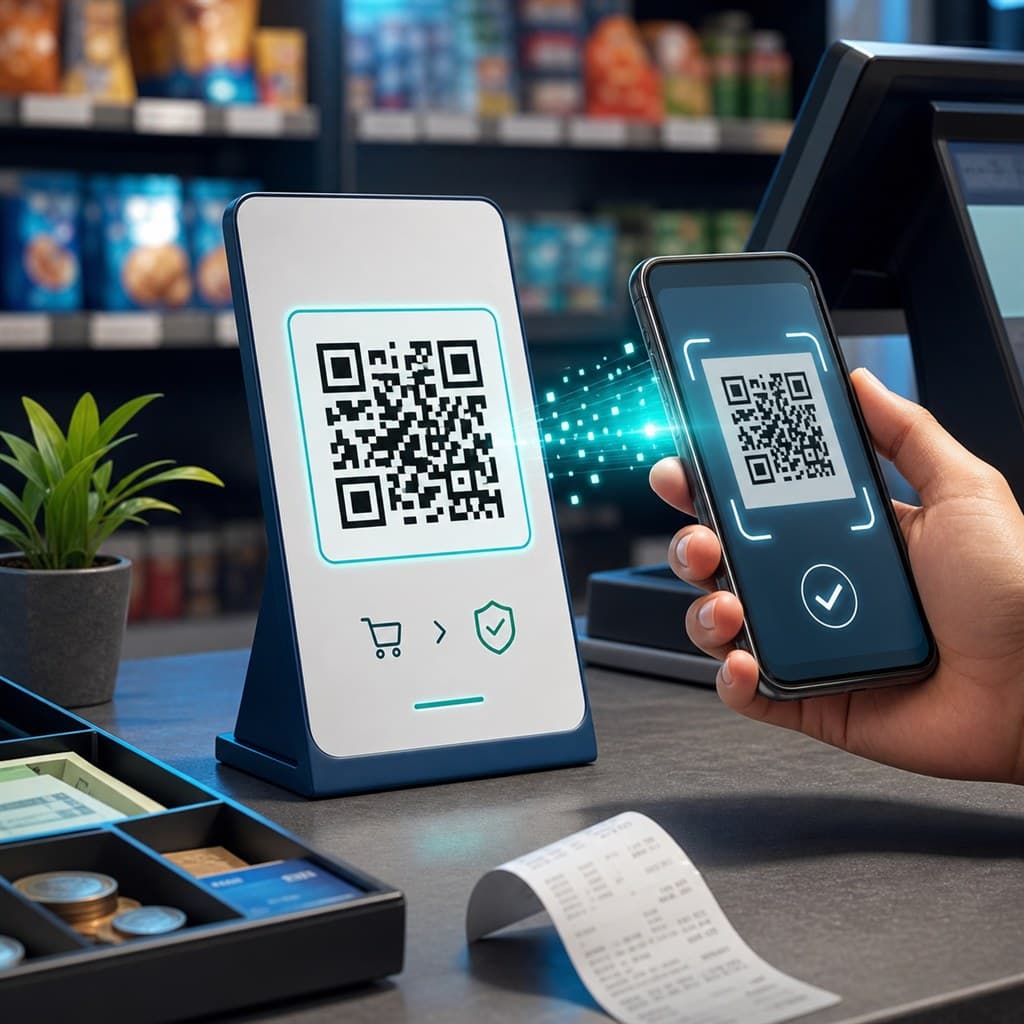
How to Create a Free UPI QR Code for Your Shop
Step-by-step guide to generating a UPI payment QR code for GPay, PhonePe, Paytm, and BHIM. Covers UPI ID format, fixed vs open amounts, print sizes, and safety rules.

How to Create a WiFi QR Code for Free — No App Needed
A practical guide to creating a printable WiFi QR code for homes, cafes, restaurants, hotels, and offices. Works on iPhone and Android without any app.

QR Code Size Chart — Cards, Posters & Banners
Complete QR code size chart covering minimum size, sticker size, scan distance rules, business cards, posters, menus, packaging, banners, and DPI requirements for PNG and SVG.

How to Decode JWT Tokens Safely
Decode a safe demo JWT token, inspect common claims, and learn what not to paste into an online JWT decoder.

CSS Gradient Tips for Better UI
Learn how to make gradients look intentional, keep text readable, and use gradients as supporting UI structure rather than visual noise.
How to Check Color Contrast for Accessibility
A practical guide to checking contrast for text, buttons, and UI states without confusing AA, AAA, gradients, or large-text exceptions.

JSON Formatter vs Validator vs Viewer
Understand the difference between formatting JSON, validating it, and exploring it visually so you can pick the right tool for each debugging job.
Static vs Dynamic QR Code: Key Differences Explained
Compare static and dynamic QR codes, when each type makes sense, and how to choose the right QR workflow for print, campaigns, tracking, and stable links.
What Is SQL Formatting and Why It Matters
Understand what SQL formatting actually changes, when it helps most, and why clean query layout matters for debugging, reviews, and team workflows.