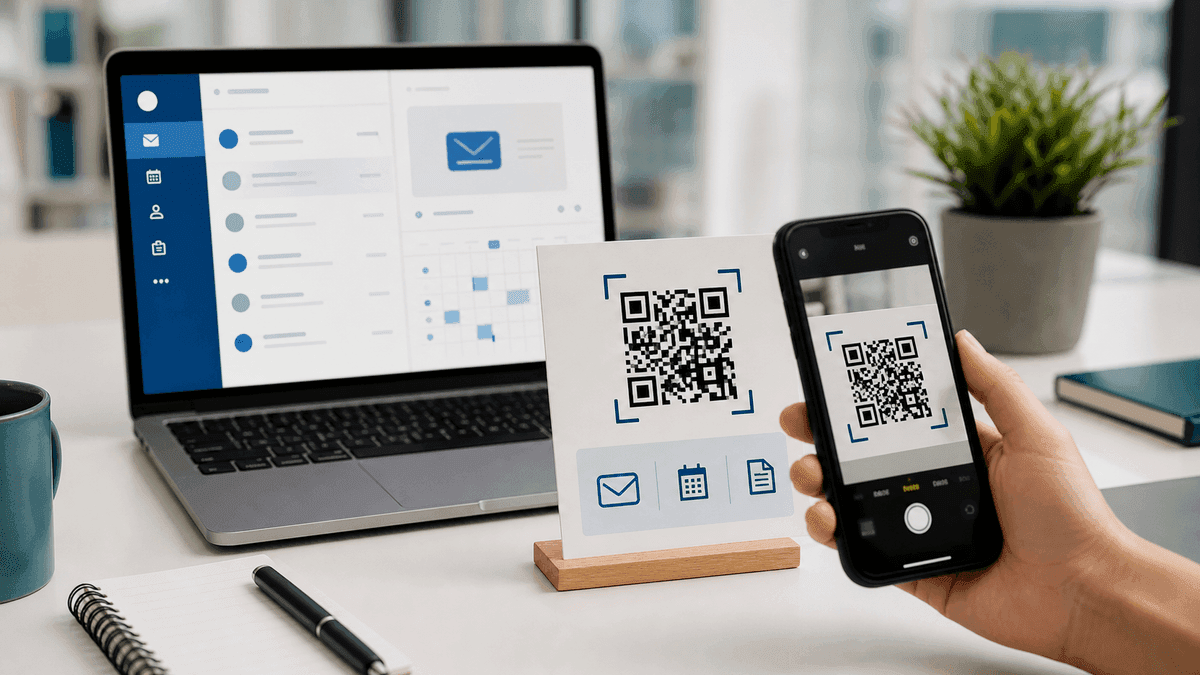
Outlook does not have a built-in QR code generator, but you can create a QR code for any Outlook-related link — an email address, a calendar booking URL, a shared OneDrive folder, or a meeting join link — using the free QR Code Generator.
This guide covers the three most common Outlook QR code use cases and the exact URL format for each.
Use case 1 — QR code for an Outlook email address
A mailto QR code opens a pre-addressed email compose window when scanned. It is useful on business cards, brochures, and event badges where you want people to email you with one scan.
Open the QR Code Generator, select the Email type, and enter the recipient email address plus an optional subject and body. The tool builds the mailto payload for you. The QR code opens the default mail app on the scanner's phone — which may be Outlook, Gmail, Apple Mail, or another app depending on device settings.
Basic mailto: mailto:[email protected]
With subject line: mailto:[email protected]?subject=Hello
With subject and body: mailto:[email protected]?subject=Hello&body=Hi%20there
Use case 2 — QR code for an Outlook calendar booking link
If you use Microsoft Bookings or a scheduling tool like Calendly connected to Outlook, you can turn your booking page URL into a QR code. Copy the booking page URL, open the QR Code Generator, select URL type, paste the link, and download.
Place this QR code on a business card, email signature graphic, or printed materials so clients can book meetings by scanning instead of searching for your booking page.
Use case 3 — QR code for a shared OneDrive or SharePoint link
In OneDrive or SharePoint, click Share → Copy link to get the shared folder or file URL. Paste that URL into the QR Code Generator to create a QR code that opens the shared document.
This is useful in printed handouts, training materials, or meeting slides where participants need to access a shared resource quickly.
Tips for Outlook QR codes in email signatures
Outlook signatures can include images, including a QR code image. In classic Outlook, you can add an image from the signature editor; in Outlook on the web and new Outlook, signature controls vary by account and tenant settings.
A QR code in an email signature is still usually less practical than a clickable hyperlink because recipients are already viewing the email on a screen. Use a QR code in a signature only when the recipient is likely to open the email on desktop and scan with a phone. QR codes work best on printed materials, slides, and physical displays.
Related QR resources
For more QR formats beyond email, calendar, and shared file links, use the QR Code Tools hub. It connects the main QR generator with focused tools for vCard, forms, PDFs, events, locations, and logo QR codes.
If you are creating many Outlook or document links from a spreadsheet, see How to Generate a QR Code in Excel. If you are sharing private links, review Are Free QR Code Generators Safe?.
Frequently Asked Questions
Q: Does Outlook have a built-in QR code feature?
A: Outlook desktop and Outlook web do not have a general-purpose QR code generator for email links, booking links, or shared files. Use an external static QR generator for those payloads.
Q: Will a mailto QR code open Outlook specifically?
A: A mailto QR code opens whatever the default mail app is on the scanner's device. If Outlook is set as the default mail app, it may open Outlook. If another app is the default, it opens that app instead. There is no reliable way to force a specific mail app from a standard QR code.
Q: Can I add a QR code to a printed Outlook calendar invite?
A: Yes. Copy the Teams meeting or Zoom join link from the invite, generate a QR code from that URL, and add the QR code image to the printed version of the invite.
Tools mentioned in this guide