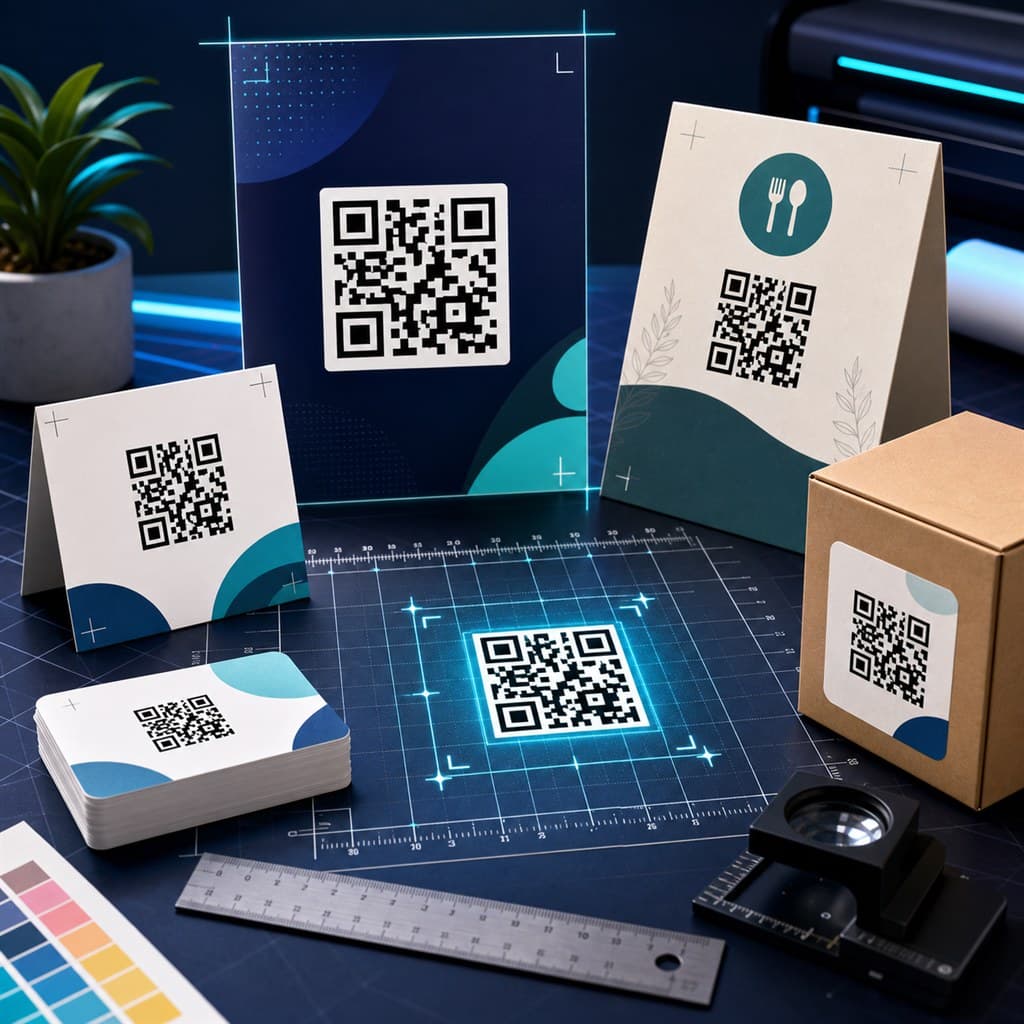
This reference covers the recommended QR code size for every common print format — from business cards and receipts to A0 posters and banner flex. Use it as a checklist before every print job.
The numbers below assume good lighting, a modern phone camera, and a clean high-contrast print (dark modules on white). Low-contrast prints or unusual materials require larger sizes.
The core rule: 1/10 of scan distance
The widely cited rule: minimum QR width = 1/10 the intended scan distance. Scan from 30cm → minimum 3cm QR. Scan from 1m → minimum 10cm QR. This applies to standard smartphone cameras in normal indoor lighting.
Always verify on a physical test print. Screen-distance tests are not the same as print-distance tests.
Size chart by print format
These are practical starting points. The "comfortable" size means easy scanning for most users in typical conditions. The "minimum" size may fail for users with older phones, poor lighting, or shaky hands.
Business card (85×55mm): minimum 1.5cm, comfortable 2cm — test on physical card before printing
Sticker / label (small): minimum 2cm, comfortable 2.5–3cm
Receipt or thermal label: minimum 2cm, comfortable 2.5cm
A6 postcard / flyer: minimum 3cm, comfortable 4cm
A5 brochure panel: minimum 4cm, comfortable 5cm
A4 page / menu: minimum 5cm, comfortable 6–7cm
Restaurant table tent (A5-ish): minimum 5cm, comfortable 6–8cm
Counter standee (A5–A4): minimum 5cm, comfortable 7–9cm
A3 poster: minimum 8cm, comfortable 10–12cm
A2 poster: minimum 10cm, comfortable 14–18cm
A1 / A0 poster: minimum 15cm, comfortable 20–25cm
Window or wall vinyl: minimum 20cm, comfortable 25–35cm
Roll-up banner (850×2000mm): minimum 20cm, comfortable 30cm
Outdoor flex / billboard: minimum 40cm — test with the furthest expected scan distance
Packaging (product box): minimum 2.5cm — depends on available face area and expected scan distance
PNG resolution (DPI) requirements
When downloading a PNG from a QR generator, the pixel size determines the maximum physical print size at a given DPI. Higher DPI = sharper dots = higher quality.
512px PNG: suitable for web/screen display only — do not use for print
1024px PNG at 300 DPI: max ~8.7cm (3.4 in) — good for small standees and receipts
1024px PNG at 150 DPI: max ~17.3cm — acceptable for A4 but bars may look slightly soft
2048px PNG at 300 DPI: max ~17.4cm (6.8 in) — good for A4 and A3 print
2048px PNG at 600 DPI: max ~8.7cm — for fine commercial print at small sizes
4096px PNG at 300 DPI: max ~34.7cm (13.7 in) — suitable for A1/A0 and large-format print
SVG: no size limit — vector scales perfectly at any DPI without pixelation
SVG vs PNG — which to use for print
SVG is the better choice for print in almost every case. It is a vector format that scales to any physical size at any DPI without ever becoming blurry. One SVG file handles business cards and banners equally well.
Use PNG when: your print vendor or design software does not accept SVG files, or when you are compositing the QR into a raster image. In those cases, download at 2048px or 4096px.
SVG: use for all print — business cards, posters, banners, packaging
PNG 512px: web and digital display only
PNG 1024px: small print (receipts, labels, A6 flyers)
PNG 2048px: standard print (A5, A4, table tents)
PNG 4096px: large-format print (A3, A2, A1, banners)
Minimum QR Code Size for Stickers and Labels
Stickers and product labels are often the most size-constrained QR use case. The minimum printable QR code size that scans reliably under good conditions is 2cm × 2cm. Below that, scan rates drop significantly, especially for complex payloads or codes with logos.
For product packaging stickers, shipping labels, and small product tags, keep the QR code at least 2–3cm wide and use a short, clean URL as the payload. Avoid adding a logo to very small QR codes — it reduces scan reliability in proportion to the amount of the code it covers.
Absolute minimum (simple payload, high contrast): 1.5cm — test carefully
Recommended minimum for reliable scanning: 2cm × 2cm
Small product label or packaging sticker: 2–3cm
Medium sticker (laptop, window, equipment tag): 3–5cm
Large sticker (door, wall, vehicle): 5cm+ based on intended scan distance
Never combine a logo with a QR code smaller than 3cm without testing
Common print mistakes and how to avoid them
Too small is the most common mistake. The QR works at 3cm on screen from 10cm but fails when printed at 1.5cm on a business card at 20cm. Always test a physical print, not just the screen preview.
Low resolution PNG is the second most common issue — a 256px PNG printed at 5cm appears blurry and the QR bars become indistinct. Download at 1024px minimum for any print use.
Print a test page before ordering a print run
Scan the physical test print at the intended distance and lighting
Use SVG whenever the design tool or vendor accepts it
For PNG: never print a 256px or 512px file larger than about 3cm
Keep quiet zone margins — do not crop the white border around the QR
Use high-contrast colors: dark modules on a white or near-white background
Avoid printing on textured, glossy, or dark-colored stock without testing first
Quiet zone — the white margin rule
The quiet zone is the white margin surrounding the QR pattern. The QR standard requires a minimum of 4 module widths on all sides. Most generators include this automatically.
If you are placing the QR inside a designed layout, do not crop into the quiet zone. Keep at least 2–4mm of white space around the QR pattern edge, even if the overall design has a colored background.
Pre-print checklist
Run through this before every print order. A failed QR on a delivered print run is expensive — testing takes two minutes. Use the printable QR code print checklist when handing files to a designer, printer, restaurant manager, or event team.
Print a single test copy at the final size and DPI
Scan with iPhone camera (no app) from the intended distance
Scan with an Android phone from the intended distance
Test in actual location lighting (not office bright light)
Verify the QR opens the correct destination
For logo QR codes: test that the logo does not prevent scanning
For SVG: open in a browser and zoom to verify crisp rendering before sending to printer
Tools mentioned in this guide