

UPI QR Code Generator
Create a UPI payment QR code for your UPI ID in seconds. Customers or clients scan it with Google Pay, PhonePe, Paytm, or any UPI app — the payment details fill in automatically. No account. No signup. Download as PNG or SVG.
Last updated: May 9, 2026
Find this tool useful? Support the project to keep it free!
Buy me a coffeeWhat is UPI QR Code Generator?
A UPI QR code encodes a UPI payment URI (Unified Payments Interface) that any UPI app can scan and parse. When a customer scans it, the app pre-fills your UPI ID, payee name, and optionally the amount — they just confirm and pay.
The URI format is standardized by NPCI (National Payments Corporation of India): `upi://pay?pa=<UPI_ID>&pn=<Name>&am=<Amount>&cu=INR`. This tool builds that URI and wraps it in a QR code you can download as PNG (for print) or SVG (for digital use). No payment data is stored — everything is generated entirely in your browser.
How to Use UPI QR Code Generator
Enter your UPI ID (e.g. yourname@upi, merchant@okaxis)
Enter the payee name that should appear in the UPI app
Optionally enter a fixed amount — leave blank for any-amount payments
Customize the QR code color, size, and error correction if needed
Click "Download PNG" for printing on banners, receipts, or visiting cards — or "Download SVG" for digital use
Common Use Cases
- Print a UPI QR code on a shop counter or restaurant table for contactless payments
- Add a UPI QR code to an invoice PDF so clients can pay by scanning
- Put a UPI QR on a visiting card or business card for instant payments
- Create a fixed-amount UPI QR for a product or event ticket price
- Generate a UPI QR for a freelance payment request
- Embed a UPI QR code in a WhatsApp message or email for quick transfers
Example Input and Output
Generating a UPI QR code for a small business counter:
UPI ID: shopowner@okicici
Payee name: Ram General Store
Amount: (left blank — customer enters their own amount)
Error correction: MQR encodes: upi://pay?pa=shopowner@okicici&pn=Ram%20General%20Store&cu=INR
Scanned with: Google Pay / PhonePe / Paytm / any UPI app
Result: App opens payment screen with UPI ID and name pre-filled
Customer: confirms and enters the amount they oweHow This Tool Works
The tool builds a UPI payment URI from the fields you enter, following the NPCI UPI Deep Link standard. The URI is then encoded into a QR code using the qr-code-styling library rendered to an off-screen Canvas element. The QR matrix uses error correction to ensure scannability. The result is exported as a PNG Blob (via canvas.toBlob()) or an SVG string and downloaded directly to your device.
Technical Stack
Privacy First
All QR code generation runs entirely in your browser. Your UPI ID and payment details are never sent to or stored on our servers. The QR image is generated locally and downloaded directly to your device.
PNG vs SVG for UPI QR Codes
Download SVG for digital use (websites, WhatsApp, email) and large-format print — it scales perfectly at any size. Download PNG at 512px or 1024px for standard counter standees and receipts. For flex/banner printing, use PNG at 2048px or higher.
UPI URI Standard
The UPI QR code encodes the NPCI-standardized URI: upi://pay?pa=<UPI_ID>&pn=<Name>&am=<Amount>&cu=INR. The "pa" (payee address) is your UPI ID, "pn" is the name shown to the payer, "am" is the optional fixed amount, and "cu" is always INR for Indian Rupee.
Frequently Asked Questions
Which UPI apps can scan this QR code?
Any app that supports UPI works: Google Pay (GPay), PhonePe, Paytm, Amazon Pay, BHIM, WhatsApp Pay, MobiKwik, Axis Pay, HDFC PayZapp, and any bank's UPI app. The QR follows the NPCI standard UPI URI format so it is universally compatible.
Should I set a fixed amount or leave it blank?
Leave the amount blank if you want customers to enter any amount — useful for shops, tips, or donations. Set a fixed amount for specific product prices, event tickets, or invoice totals. A fixed amount pre-fills the payment screen so the customer just taps confirm.
Is this QR code safe to share publicly?
Yes. A UPI QR code only encodes your UPI ID, name, and optionally an amount — all of which are public payment details you already share when collecting payments. No sensitive account information (account number, IFSC, OTP) is ever stored in the QR code. You can safely print it on signage or share it online.
What UPI ID format is valid?
A valid UPI ID (also called VPA — Virtual Payment Address) is in the format username@bankhandle — for example: yourname@upi, merchant@okaxis, business@okicici, name@paytm, name@ybl (PhonePe). You can find your UPI ID inside any UPI app under your profile or payment settings.
Can I add my business logo to the UPI QR code?
Yes. Use our full QR Code Generator which includes logo upload support. Upload your logo, select the UPI type, and add the logo in the Design section. Use error correction level H when adding a logo so the QR remains scannable even with the logo overlapping the center.
What is the best size to print a UPI QR code?
For counter use: 3×3 inches (at least 300 DPI). For A4 standees: 4×4 to 6×6 inches. For banner/flex printing: 8×8 inches or larger. Always download the SVG for large-format print — it scales to any size without pixelation. For PNG, download at 1024px or 2048px for print quality.
Does the QR code expire?
No. UPI QR codes do not expire — they encode a static URI. Your QR code will work as long as your UPI ID is active. If you change your UPI ID, generate a new QR code.
Related Tools
QR Code Generator
Create free static QR codes for URL, WiFi, UPI, vCard, WhatsApp, text, and more. Download PNG, SVG, JPG, or WebP in your browser.
WhatsApp QR Code Generator
Create a WhatsApp QR code that opens a chat with your phone number and an optional pre-filled message. Download PNG or SVG for print and sharing.
Menu QR Code Generator
Create a restaurant menu QR code from a hosted menu URL. Download a static QR code as PNG or SVG for tables, counters, flyers, and signage.
vCard QR Code Generator
Create a vCard QR code for contact details. Share name, phone, email, company, title, website, and address in a scan-ready QR code.
WiFi QR Code Generator
Generate a WiFi QR code for your network. Guests scan it and connect instantly — no typing passwords. Works on iOS 11+, Android 10+, and all modern phones.
QR Code Generator with Logo
Generate branded QR codes with your logo in the center. Upload a PNG or JPEG logo, customize colors, and download a print-ready QR code with your brand on it.
Part of a Collection
Posts for This Tool
Broader workflow content that links this tool back into the wider cluster.

QR Code Not Scanning? 7 Causes and How to Fix Each One
QR code not scanning? Diagnose the problem by cause: low contrast, cropped quiet zone, print size, logo, payload error, or wrong test method. Fix each one step by step.
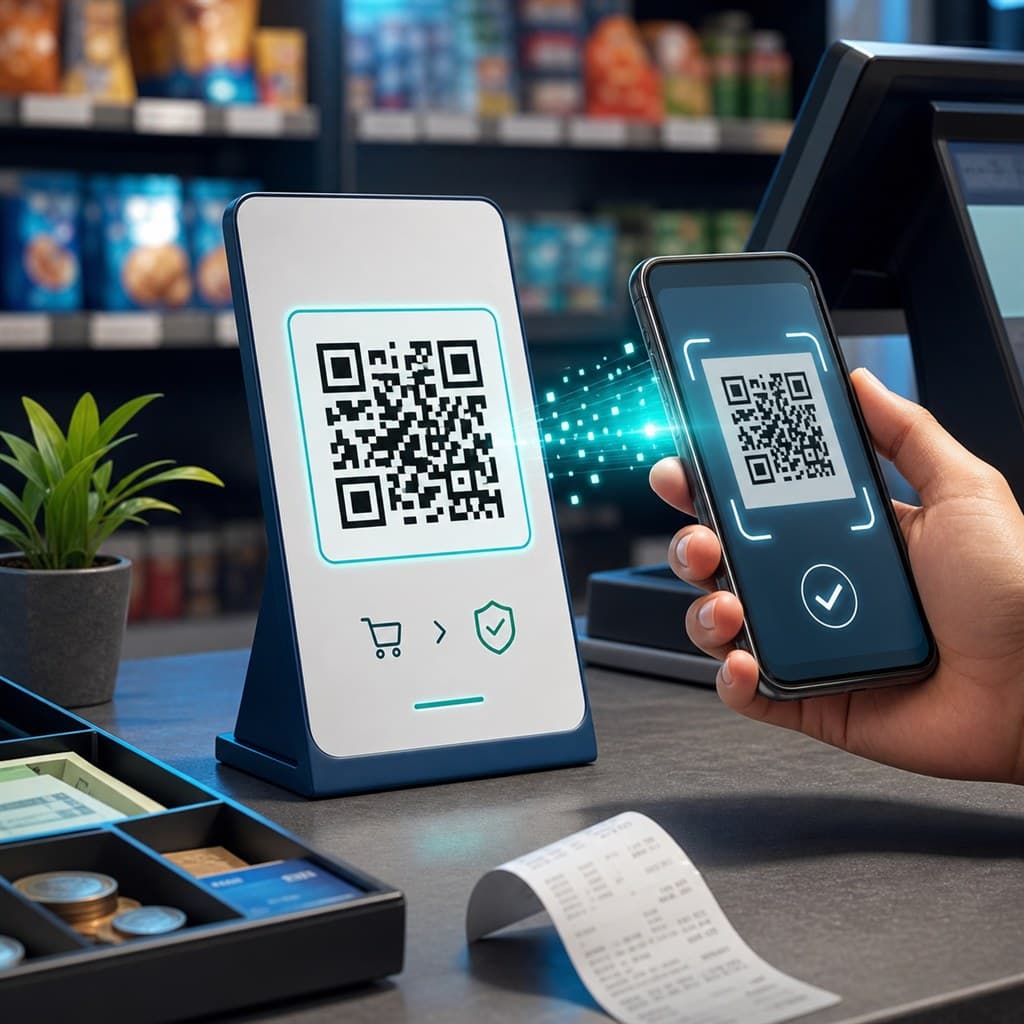
How to Create a Free UPI QR Code for Your Shop
Step-by-step guide to generating a UPI payment QR code for GPay, PhonePe, Paytm, and BHIM. Covers UPI ID format, fixed vs open amounts, print sizes, and safety rules.
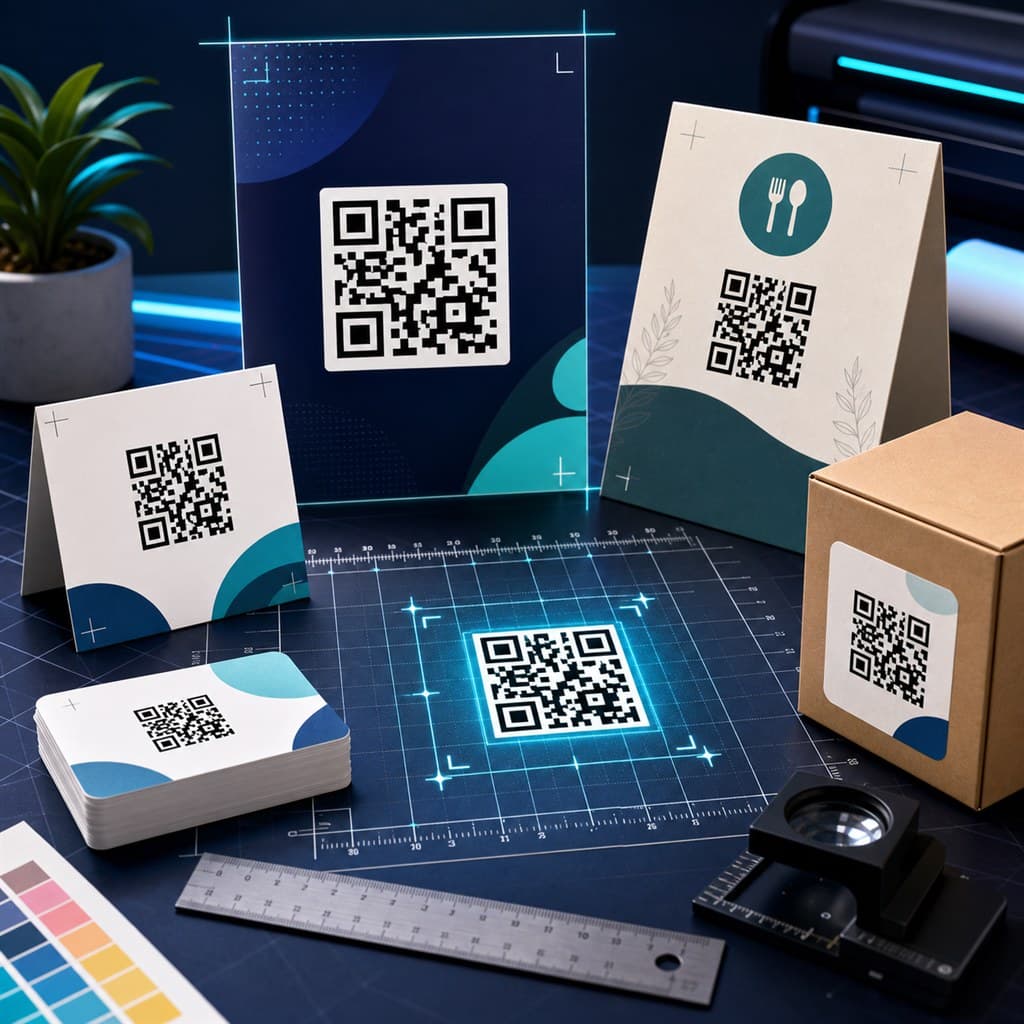
QR Code Size Chart — Cards, Posters & Banners
Complete QR code size chart covering minimum size, sticker size, scan distance rules, business cards, posters, menus, packaging, banners, and DPI requirements for PNG and SVG.