
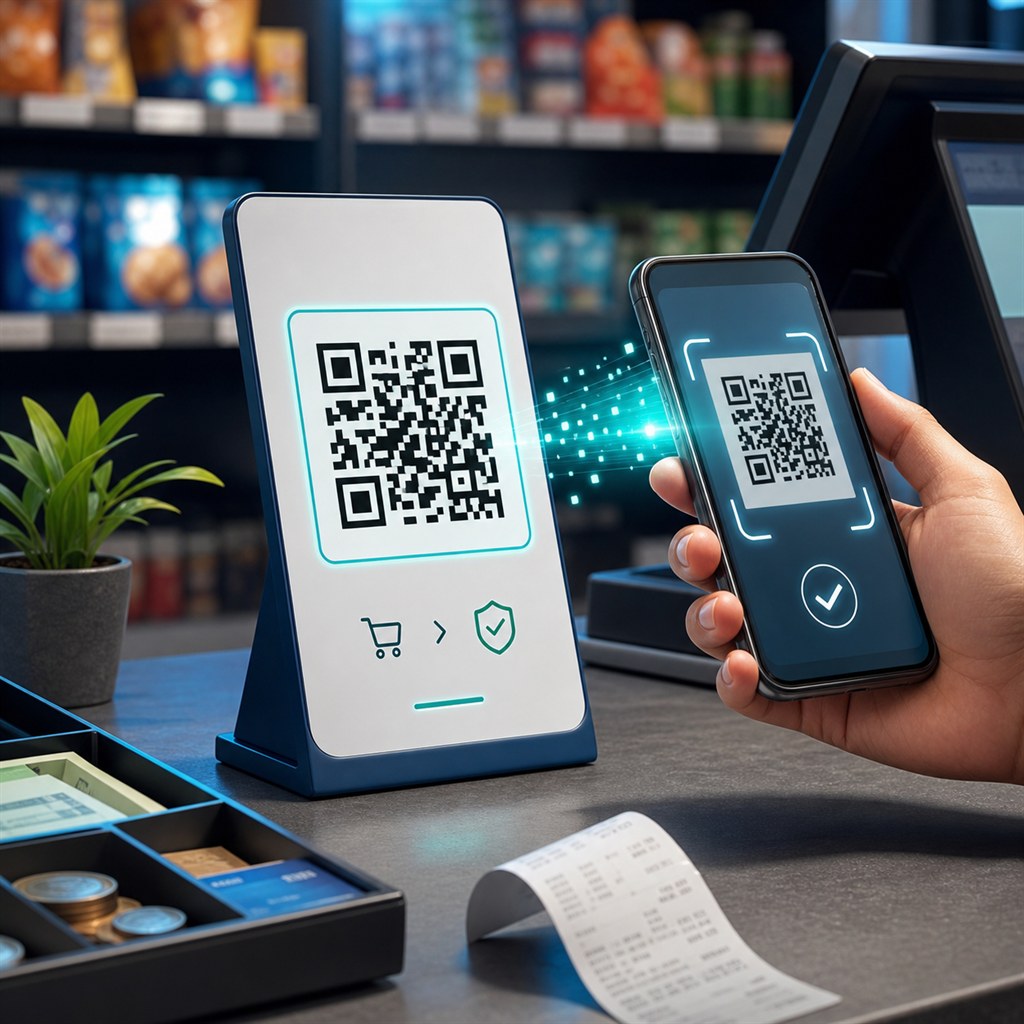
A UPI QR code lets customers pay you instantly using Google Pay, PhonePe, Paytm, BHIM, or any UPI app by scanning a printed code. The payment details fill in automatically — they just confirm and pay.
This guide covers how to generate a UPI QR code for free, what each field means, the difference between fixed-amount and open-amount QR codes, print sizing, and the safety rules every merchant should follow.
What is a UPI QR code?
A UPI QR code encodes a payment URI in the standard NPCI format: upi://pay?pa=<UPI_ID>&pn=<Name>&am=<Amount>&cu=INR. When a customer scans it, their UPI app opens with your payment details pre-filled. They enter (or confirm) the amount and tap Pay.
All major UPI apps recognise this URI format: Google Pay, PhonePe, Paytm, Amazon Pay, BHIM, WhatsApp Pay, and any bank's UPI app. It is a universal standard, not proprietary to any one platform.
How to create a UPI QR code
Use the free UPI QR Code Generator at WebToolsPlanet. Enter your UPI ID (for example yourname@upi or merchant@okicici), the payee name that should appear in the customer's payment app, and optionally a fixed amount.
Download SVG for crisp printing at any size. PNG at 512px or higher works for standard counter standees and receipts.
- Enter your UPI ID exactly as registered with your bank
- Use your business name as the payee name — it shows in the customer's app
- Leave amount blank for walk-in customers who pay different amounts
- Set a fixed amount for specific products, services, or invoice totals
- Download SVG for the best print quality
Fixed amount vs open amount
A fixed-amount QR code pre-fills the payment screen with a specific rupee value. The customer just confirms — no typing. Use this for products with a set price, event tickets, or invoice-based payments.
An open-amount QR code (leave the amount field blank) lets the customer enter any amount. Use this for counter payments where customers purchase different items, tips, or donations.
Where to use a UPI QR code
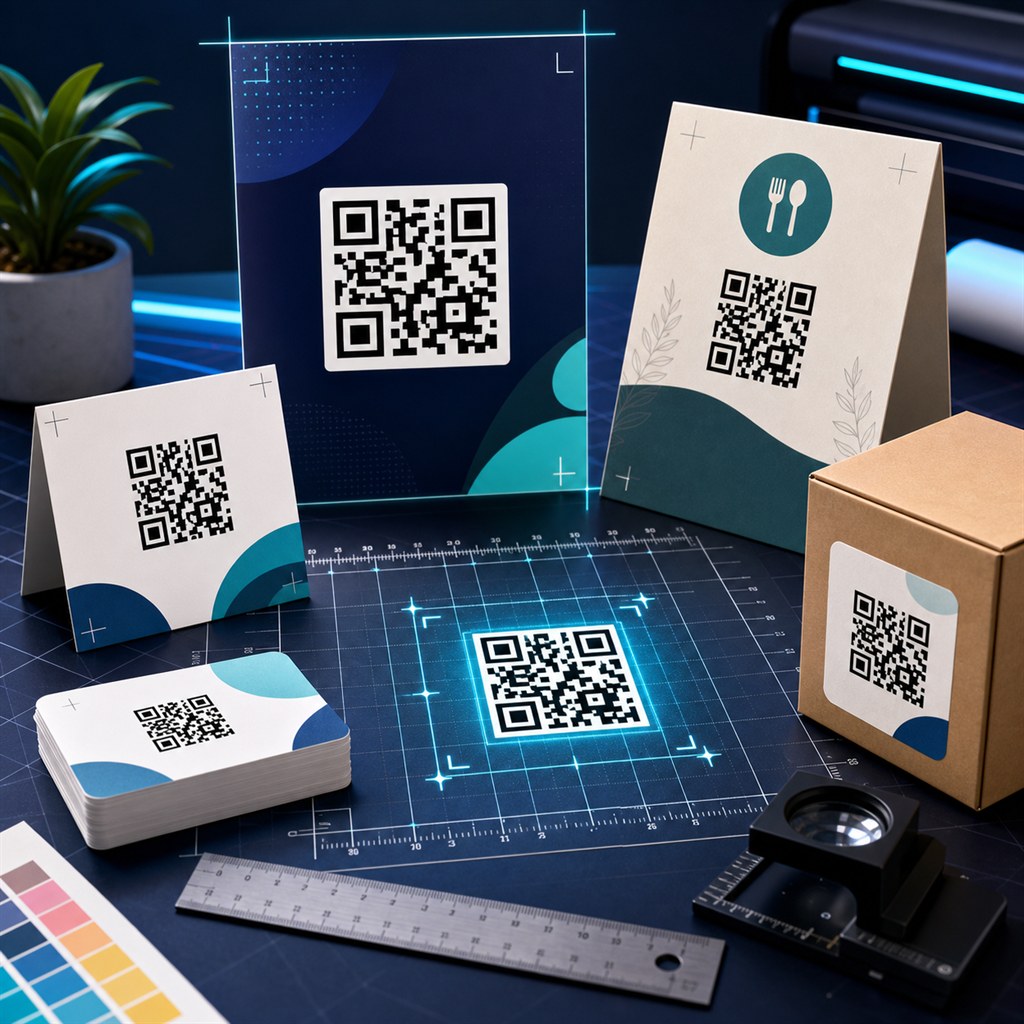
Print the QR code and display it at the point of payment. For physical shops, a laminated A5 or A6 standee at the counter is the standard format. For services and freelance work, add the QR to your invoice PDF.
- Shop counter standee for retail and kirana stores
- Restaurant table for individual table payments
- Invoice PDF for freelancers and service providers
- Visiting card for quick person-to-person transfers
- WhatsApp message for requesting payment remotely
- Event registration for fees and entry payments
Safety rules every UPI merchant must follow
A UPI QR code initiates a payment — it does not confirm one. A customer can scan your code, cancel before confirming, and the transaction never goes through. Always verify payment in your UPI app or bank account before delivering goods or services.
Never share your UPI PIN with anyone. Your UPI ID and QR code are public payment details — sharing them is safe and expected. Your PIN is private and is never part of the QR code.
- Always verify payment in your UPI app before handing over goods
- Check bank account for settlement — UPI transfers are usually instant
- Do not rely on a screenshot as proof of payment — check your app
- If a customer says payment "went but not credited", wait 2–4 hours then verify
- Report fraud transactions to your bank's UPI helpline immediately
Print sizing and placement
For a counter standee, a 4cm × 4cm to 8cm × 8cm QR code is comfortable to scan from 15–30cm. For a restaurant table card, 5cm × 5cm is standard. For a banner or flex print, 10cm × 10cm or larger.
Always download SVG for large-format printing — it scales to any size without pixelation. For PNG, use 1024px or 2048px to ensure enough resolution for print.
Khushbu
Full-Stack Developer & Founder
I build tools I wish existed — fast, free, and private. Every tool runs in your browser because I believe your data should stay yours.
Tools mentioned in this guide