

API & Backend Developer Tools
Use free API and backend developer tools for JSON formatting, JWT decoding, SQL formatting, HTTP status codes, cron expressions, Base64, URL encoding, UUIDs, and webhooks.
Built for developers, by a developer.
All tools run locally in your browser. Your data never leaves your device.
Why this collection exists
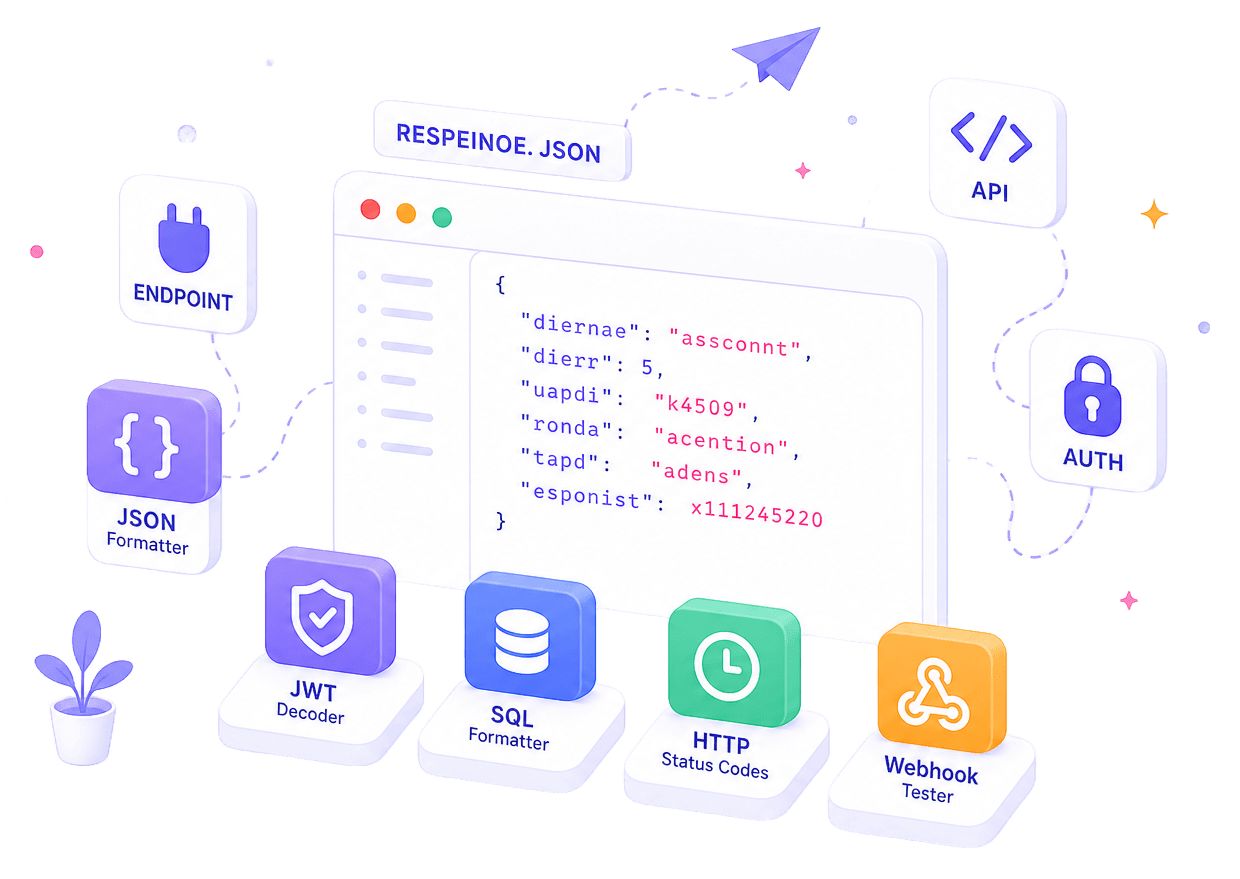
Debug APIs and backend workflows faster with free browser-based tools for JSON formatting, JWT decoding, SQL cleanup, HTTP status lookup, webhook testing, cron expressions, encoding, UUIDs, and structured data inspection. This collection is built for developers who need quick utilities without opening a full IDE, terminal, or API client.
The collection supports real developer workflows rather than isolated actions. JSON utilities, auth tools, SQL formatting, and protocol references sit next to each other because they are part of the same debugging sessions.
Best fit for
- Backend developers
- Frontend developers working with APIs
- Full-stack developers
- QA testers
- API documentation writers
- Startup builders
- Students learning API development
Featured tools in this collection
Start with the strongest tools in this workflow cluster.
JSON Formatter
Format, validate, and beautify JSON instantly — with clear error messages, Tree View, Diff mode, and Schema validation.
JWT Decoder
Decode and inspect JSON Web Tokens (JWT) without validation.
SQL Formatter
Format, minify, convert, compare, and analyze SQL queries in a private browser-based SQL formatter with MySQL and PostgreSQL workflow tools.
HTTP Status Code Reference
Searchable reference for all HTTP status codes — with meaning, common causes, and fix recommendations.
Webhook Tester
Receive, inspect, and debug incoming webhooks in real-time — see headers, body, query params, and method for any HTTP request sent to your unique endpoint.
JSON to TypeScript Interface
Convert any JSON object into TypeScript interfaces instantly — handles nested objects, arrays, union types, optional fields, and generics.
Suggested Workflow
Work through these tools in order and keep your progress in this browser.
- Open tool
JSON
Format JSON
Paste your API response and format it for readability.
- Open tool
TREE
Explore Data
Use Tree Viewer or JSON Path Tester to inspect nested data.
- Open tool
JWT
Decode JWT
Check claims, expiry, issuer and roles.
- Open tool
TIME
Convert Time
Convert timestamps to readable date and time formats.
- Open tool
SQL
Format SQL
Clean SQL queries before running or sharing.
- Open tool
CODE
Generate Values
Generate UUIDs, cron expressions or test payloads.
Tools by Workflow
Browse tools grouped by what you need to get done.
JSON and API Payloads
JSON tools help you clean copied API responses, inspect nested payloads, test JSON paths, and convert response objects into TypeScript interfaces for frontend or backend development.
JSON Formatter
Format, validate, and beautify JSON instantly — with clear error messages, Tree View, Diff mode, and Schema validation.
JSON Tree Viewer
Visualize JSON data in an interactive tree structure.
JSON Path Tester
Test JSONPath expressions against your JSON.
JSON to TypeScript Interface
Convert any JSON object into TypeScript interfaces instantly — handles nested objects, arrays, union types, optional fields, and generics.
Authentication and Tokens
Use JWT tools to inspect token headers, payloads, and claims when debugging authentication flows. Use Base64 to decode encoded strings. Do not paste live production tokens, customer secrets, or admin credentials into any online tool.
SQL and Backend Debugging
Backend debugging often involves messy queries and unreadable responses. Use SQL Formatter to clean up queries, and code beautifier tools to format JavaScript or HTML responses before reviewing them.
Webhooks, Status Codes and API Testing
Use these tools when testing integrations, checking webhook payloads, understanding HTTP responses, validating cron schedules, or debugging API behavior without setting up a complete local test environment.
Webhook Tester
Receive, inspect, and debug incoming webhooks in real-time — see headers, body, query params, and method for any HTTP request sent to your unique endpoint.
HTTP Status Code Reference
Searchable reference for all HTTP status codes — with meaning, common causes, and fix recommendations.
Cron Expression Generator
Build and decode cron schedule expressions visually — get human-readable descriptions and next run times.
JSON Path Tester
Test JSONPath expressions against your JSON.
Encoding, IDs and Time
Small backend tasks often involve encoded values, IDs, timestamps, and URL-safe strings. These tools help you decode, encode, generate, and inspect those values quickly.
Base64 Encoder/Decoder
Encode text to Base64 or decode Base64 to plain text — with URL-safe mode, auto-detect, and size stats.
URL Encoder/Decoder
Encode and decode URL strings with special characters.
UUID Generator
Generate random UUID v4 identifiers instantly — single or bulk, with format options.
Unix Timestamp Converter
Convert Unix epoch timestamps to human-readable dates and vice versa — with timezone support.
Related categories
More tools like these, organized by category.
All tools in this collection
Browse the complete workflow cluster and jump into the tool you need next.
JSON Formatter
Format, validate, and beautify JSON instantly — with clear error messages, Tree View, Diff mode, and Schema validation.
JWT Decoder
Decode and inspect JSON Web Tokens (JWT) without validation.
JWT Debugger
Decode, inspect, and verify JSON Web Tokens (JWT) locally.
JSON Tree Viewer
Visualize JSON data in an interactive tree structure.
JSON Path Tester
Test JSONPath expressions against your JSON.
JSON to TypeScript Interface
Convert any JSON object into TypeScript interfaces instantly — handles nested objects, arrays, union types, optional fields, and generics.
HTTP Status Code Reference
Searchable reference for all HTTP status codes — with meaning, common causes, and fix recommendations.
Webhook Tester
Receive, inspect, and debug incoming webhooks in real-time — see headers, body, query params, and method for any HTTP request sent to your unique endpoint.
Cron Expression Generator
Build and decode cron schedule expressions visually — get human-readable descriptions and next run times.
SQL Formatter
Format, minify, convert, compare, and analyze SQL queries in a private browser-based SQL formatter with MySQL and PostgreSQL workflow tools.
JavaScript Beautifier
Format and beautify minified or messy JavaScript code.
HTML Beautifier
Format and beautify minified or messy HTML code.
Unix Timestamp Converter
Convert Unix epoch timestamps to human-readable dates and vice versa — with timezone support.
Base64 Encoder/Decoder
Encode text to Base64 or decode Base64 to plain text — with URL-safe mode, auto-detect, and size stats.
URL Encoder/Decoder
Encode and decode URL strings with special characters.
UUID Generator
Generate random UUID v4 identifiers instantly — single or bulk, with format options.
Posts linked to this workflow
Support articles that explain the decisions and adjacent tasks around this collection.

How to Decode JWT Tokens Safely
Decode a safe demo JWT token, inspect common claims, and learn what not to paste into an online JWT decoder.

JSON Formatter vs Validator vs Viewer
Understand the difference between formatting JSON, validating it, and exploring it visually so you can pick the right tool for each debugging job.
What Is SQL Formatting and Why It Matters
Understand what SQL formatting actually changes, when it helps most, and why clean query layout matters for debugging, reviews, and team workflows.
Collection FAQ
Extra context around when to use this toolkit and where to start.
What are API and backend developer tools?
API and backend developer tools are utilities that help with common tasks like formatting JSON responses, decoding JWT tokens, formatting SQL queries, looking up HTTP status codes, testing webhooks, building cron expressions, and encoding or decoding values.
Which tools are useful for API debugging?
For API debugging, start with JSON Formatter, JSON Tree Viewer, HTTP Status Codes, Webhook Tester, JWT Decoder, and Base64 Encoder/Decoder. These tools help inspect payloads, decode tokens, check response codes, and test integration data.
Can I decode JWT tokens safely online?
Yes, you can use JWT Decoder to inspect token headers and payloads. Decoding a JWT only reveals its contents — it does not verify the signature. Do not paste live production tokens, admin tokens, customer secrets, or private keys into any online tool.
What is the difference between JSON Formatter and JSON Tree Viewer?
JSON Formatter makes JSON readable by adding indentation and structure. JSON Tree Viewer helps you explore nested JSON visually by expanding and collapsing objects and arrays interactively.
Which tools help with webhook testing?
Webhook Tester generates a unique endpoint URL that captures incoming HTTP requests. You can use it to inspect webhook payloads, headers, and request data without setting up a server.
Can I use these tools for frontend API integration?
Yes. Frontend developers often work with API responses, JSON data, JWT tokens, timestamps, and TypeScript interfaces. This collection is useful whenever frontend work connects with backend data.
Are these tools free to use?
Yes. All tools in this collection are free to use. No signup or account is required for standard usage.
Related Collections
Move into adjacent workflows without losing context.