
A QR code that looks perfect on screen can fail completely when printed. The most common reasons are printing too small, printing at insufficient resolution, or not accounting for the scanning distance.
This guide gives you size recommendations for every common print format — business cards, flyers, posters, menus, product packaging, and banners — plus the DPI and file format rules that determine whether your printed code scans reliably.
The scan distance rule
A reliable rule of thumb: the minimum QR code width equals one tenth of the intended scan distance. If someone will scan from 30cm away, the QR should be at least 3cm wide. From 1 meter away, at least 10cm wide.
This assumes good lighting, a modern smartphone camera, and a clean, high-contrast print. In lower-contrast or low-light conditions, print larger.
- Scan distance 10–15cm (hand-held card): minimum 2.5cm QR
- Scan distance 20–30cm (counter or table): minimum 3–4cm QR
- Scan distance 50cm (A4 flyer or menu): minimum 5–6cm QR
- Scan distance 1m (poster): minimum 10cm QR
- Scan distance 2m+ (banner or wall sign): minimum 20cm QR
Size by print format
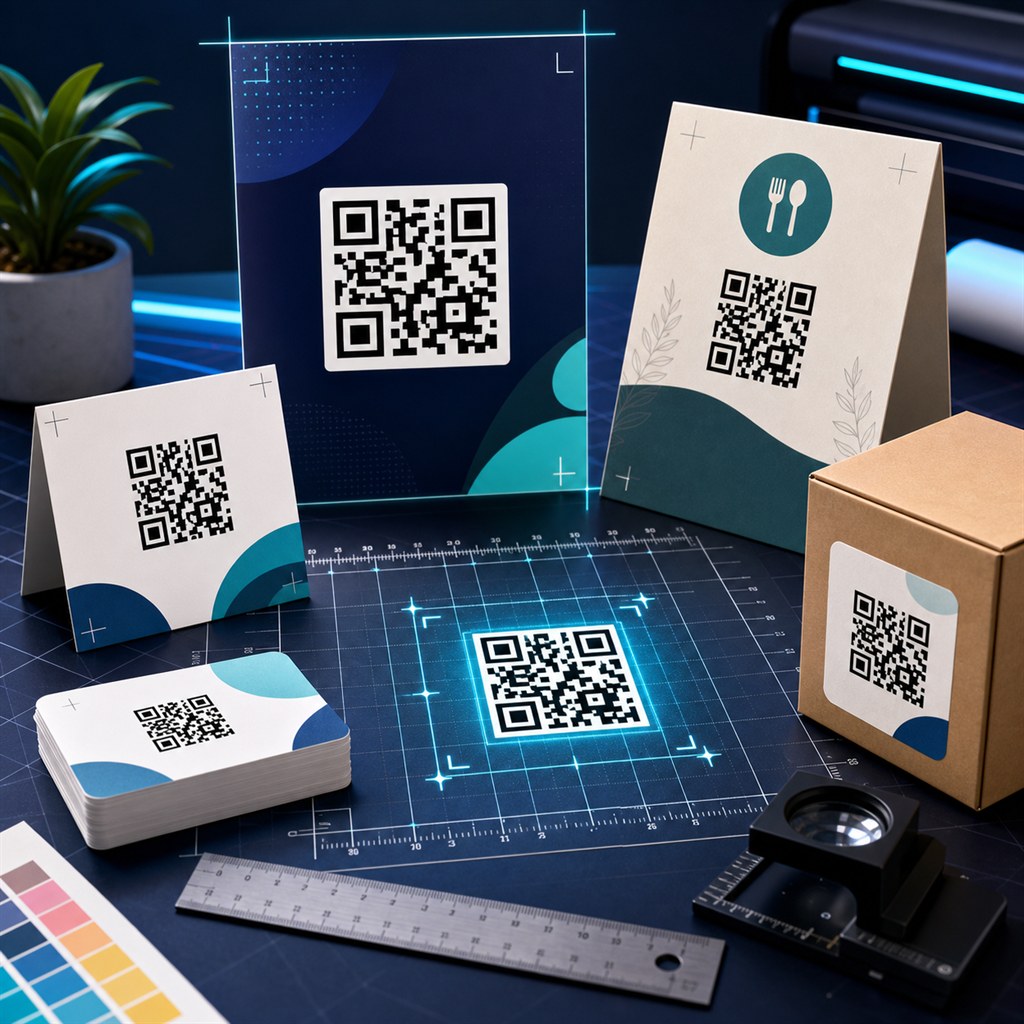
Each print format has a typical interaction distance that determines the appropriate QR size. These are practical starting points — always verify by printing a test copy and scanning it at the intended distance before committing to a print run.
- Business card (3.5 × 2 inches): 1.5–2cm QR — minimum usable size, test carefully
- Visiting card / A8 size: 2–2.5cm QR
- Receipt or label: 2–3cm QR
- A6 flyer (postcard): 3–4cm QR
- A5 flyer or brochure panel: 4–5cm QR
- A4 flyer or menu page: 5–7cm QR
- Restaurant table tent or counter card: 5–8cm QR
- A3 poster: 8–12cm QR
- A1 / A0 poster or banner: 15–25cm QR
- Packaging (product box, bag): depends on available space — minimum 2.5cm
PNG DPI requirements for print
Print resolution is measured in dots per inch (DPI). Inkjet and laser printers for standard office or marketing use print at 300 DPI. Fine-detail commercial print may use 600 DPI.
To find the required pixel count: multiply the physical size in inches by the DPI. A 5cm QR code at 300 DPI needs 5 ÷ 2.54 × 300 = about 590px. Round up and download at 1024px to have margin. For 600 DPI at the same size, you need about 1180px — download at 2048px.
- Standard office / marketing print (300 DPI): download at 1024px for sizes up to 8cm
- Commercial print (300–600 DPI) or larger format: download at 2048px
- Large-format flex or banner printing: download at 2048px or 4096px
- Digital screen display only: 512px is sufficient
SVG vs PNG for print
SVG is the better choice for print in almost every situation. It is a vector format — it scales to any physical size at any DPI without ever becoming pixelated or blurry. A single SVG file works whether you print a business card or a banner.
Use PNG when your print vendor or design tool does not accept SVG, or when you are placing the QR into a raster image layout. In those cases, download PNG at 2048px or 4096px to ensure enough resolution for your target print size.
Common print mistakes and how to avoid them
Too small is the most common mistake. The QR works at 3cm on screen from 10cm but fails when printed at 1.5cm on a business card at 20cm. Always test a physical print, not just the screen preview.
Low resolution PNG is the second most common issue — a 256px PNG printed at 5cm appears blurry and the QR bars become indistinct. Download at 1024px minimum for any print use.
- Print a test page before ordering a print run
- Scan the physical test print at the intended distance and lighting
- Use SVG whenever the design tool or vendor accepts it
- For PNG: never print a 256px or 512px file larger than about 3cm
- Keep quiet zone margins — do not crop the white border around the QR
- Use high-contrast colors: dark modules on a white or near-white background
- Avoid printing on textured, glossy, or dark-colored stock without testing first
Khushbu
Full-Stack Developer & Founder
I build tools I wish existed — fast, free, and private. Every tool runs in your browser because I believe your data should stay yours.
Tools mentioned in this guide