

Dark Mode Example
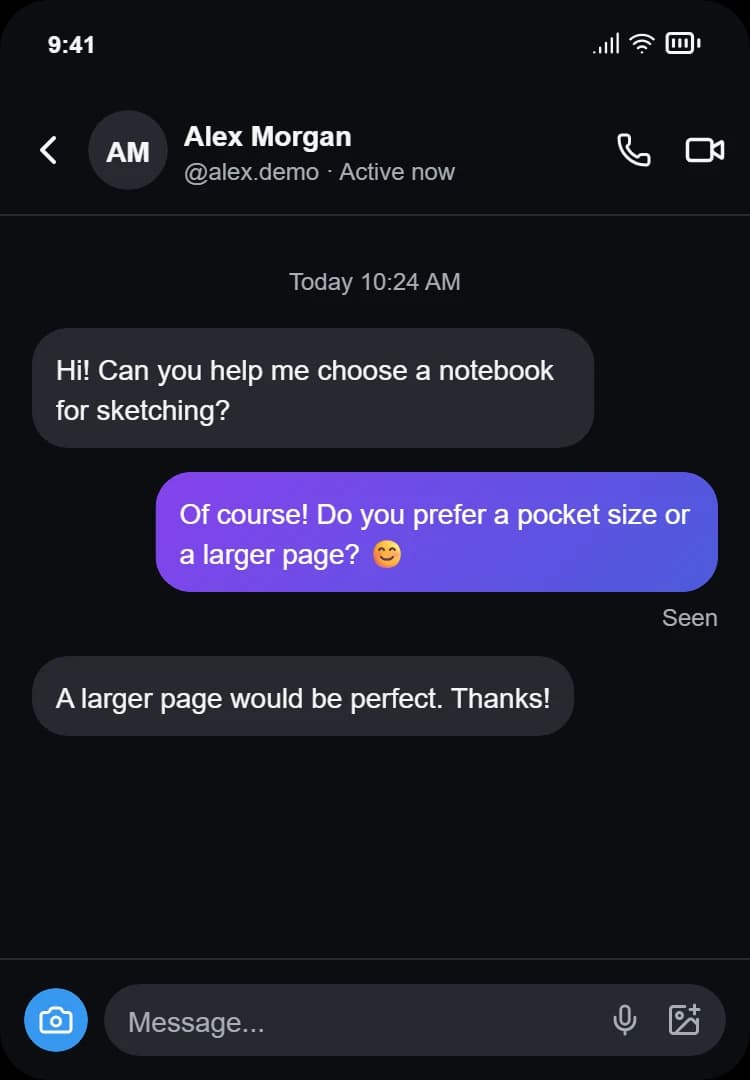
An Instagram-style DM conversation in dark mode with a near-black background.
- Dark Instagram-style theme
- Text, image and emoji messages
- Quoted replies
- Timestamps and Seen status
- Optional typing indicator
Create a fictional Instagram-style chat in dark or light mode. Edit the messages and download PNG or JPG. Free, private, and no login needed.
Last updated: October 20, 2026
Find this tool useful? Support the project to keep it free!
Buy me a coffeeChoose Dark for a near-black chat background with lighter text, or Light for a bright interface. Both themes use the same messages and contact details. Switch themes in the editor to compare them, then download the version you need. These are fictional Instagram-style mockups, not screenshots from an Instagram account.
An Instagram-style DM conversation in dark mode with a near-black background.
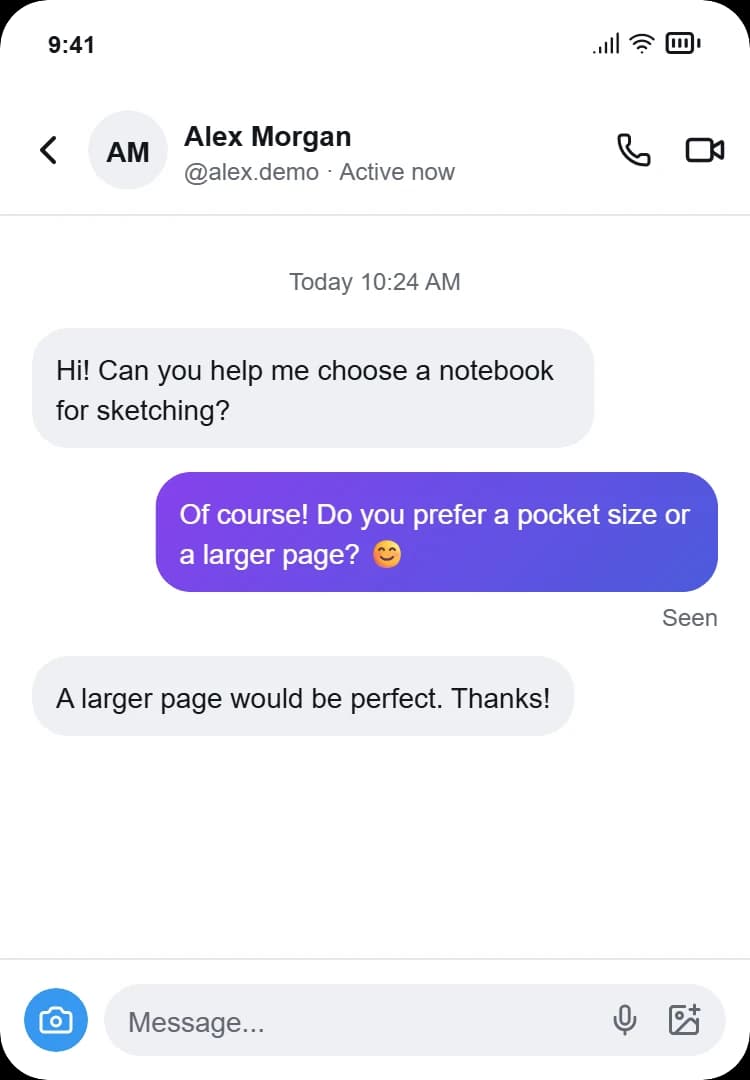
The same conversation in light mode with a bright interface.
Create your own Instagram-style conversation in minutes: choose a theme, customize your messages and export the result.
No design experience needed
Step 1: Choose your theme
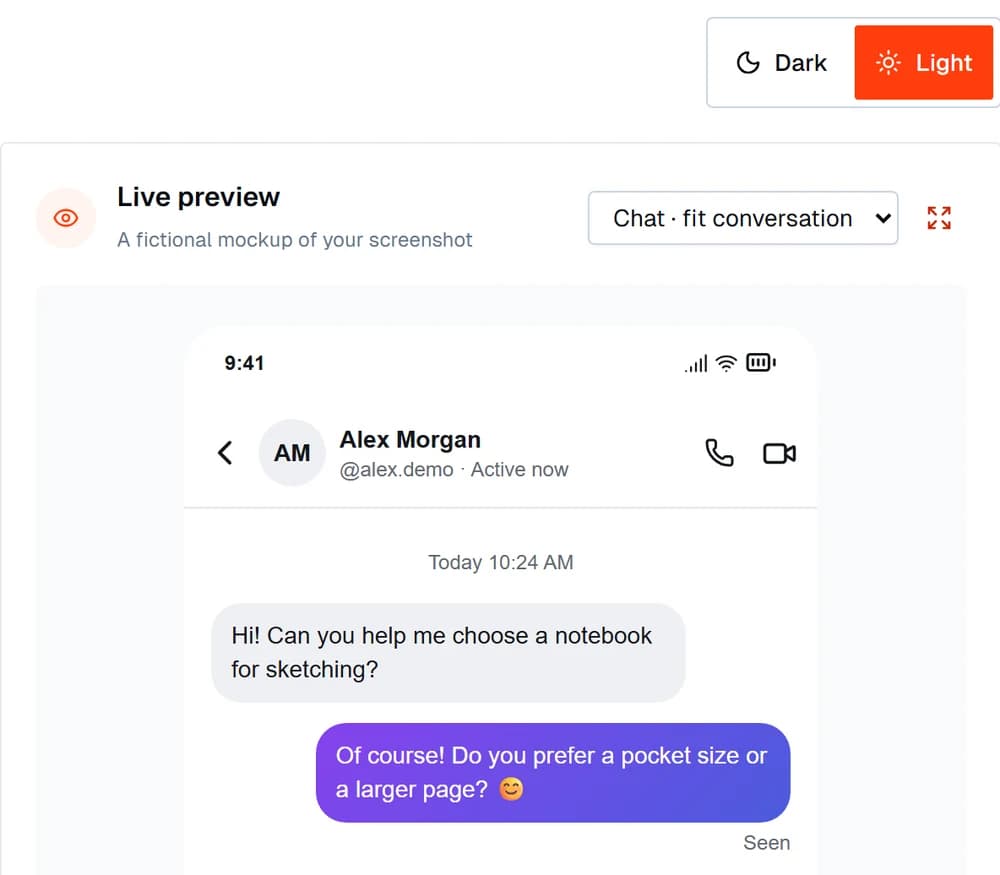
Pick the appearance you want. Your conversation updates instantly in the live preview.
Step 2: Edit your conversation
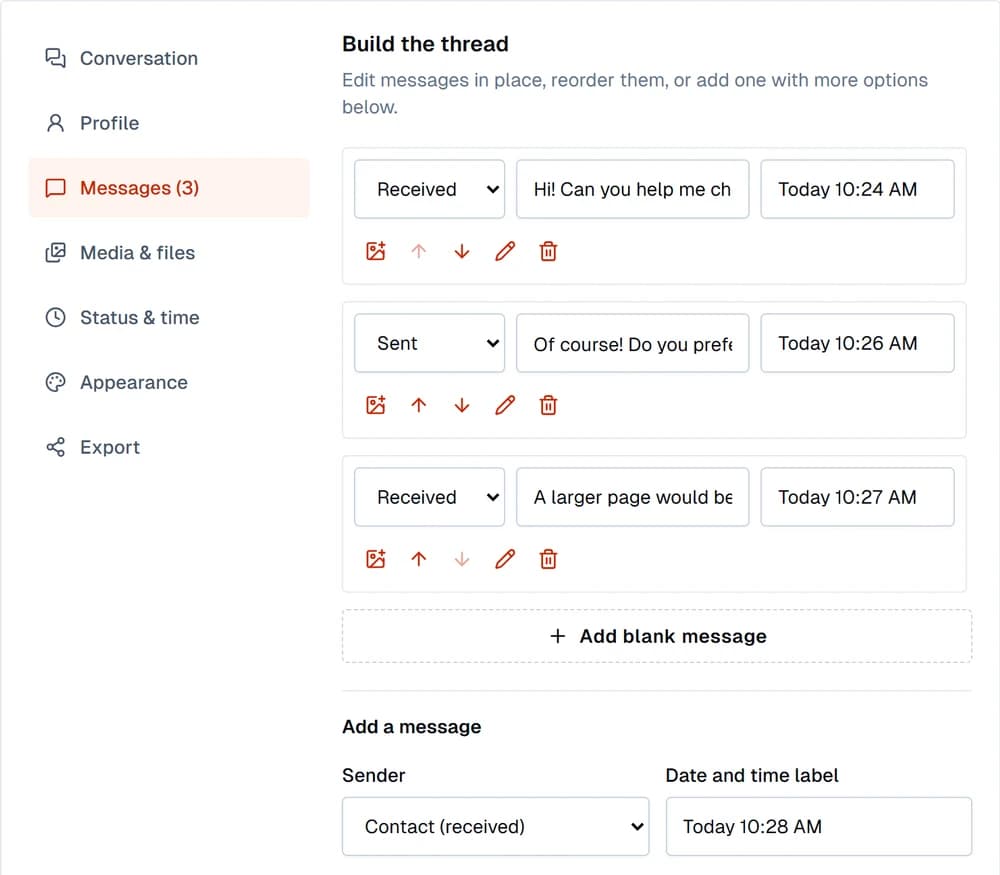
Add sent and received messages. Edit names, avatars, images, replies, timestamps and Seen status.
Step 3: Preview and export
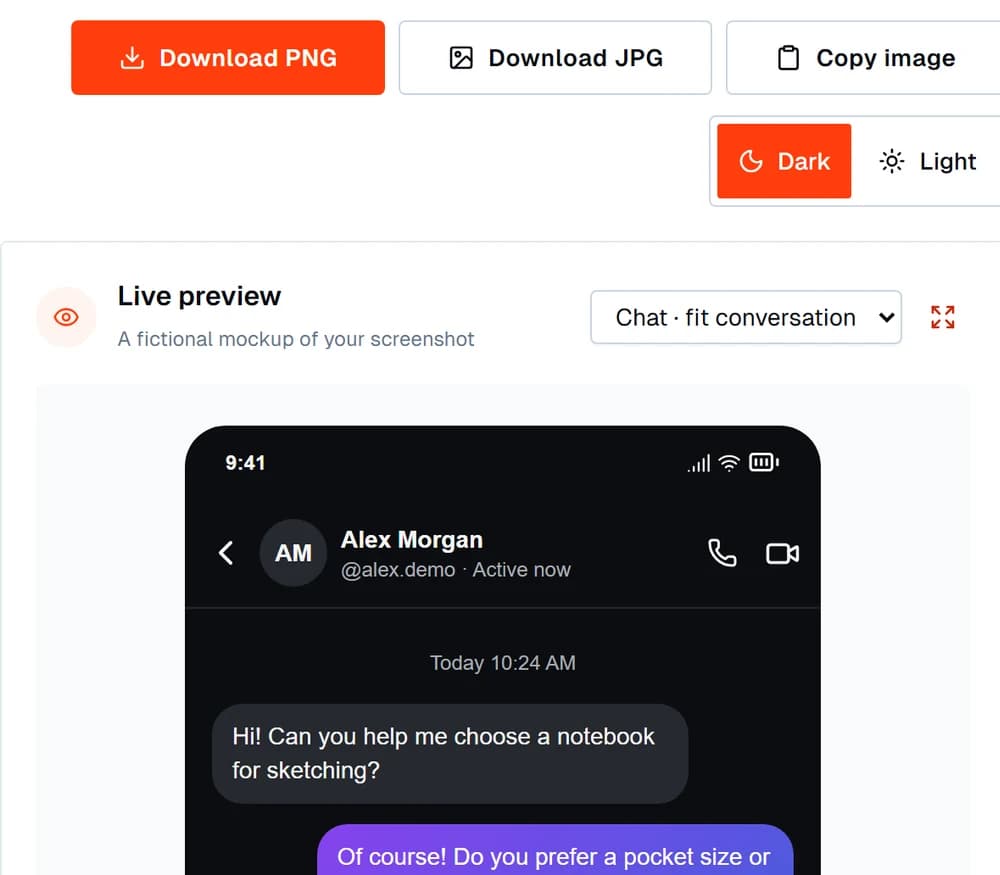
Check the finished mockup, then download a PNG or JPG, or copy the image if your browser supports it.
This tool generates Instagram DM screenshots and cannot change your account. If you also want dark mode in the actual Instagram app, follow the steps below for your device.
Follow these steps to turn on Dark appearance on your iPhone, then open Instagram.
Step 1: Open Settings
Tap the Settings app on your iPhone.
Step 2: Go to Display & Brightness
Scroll down and tap Display & Brightness.
Step 3: Select Dark
Under Appearance, choose Dark. You can also touch and hold the brightness control in Control Center and select Dark Mode.
Step 4: Open Instagram
If the app still looks light, check the appearance options in your installed version.
Follow these steps to turn on Dark theme on your Android phone, then open Instagram.
Step 1: Open Settings
Tap the Settings app on your Android phone.
Step 2: Go to Display
Tap Display. It may be under "Display & brightness" on some devices.
Step 3: Enable Dark theme
Turn on Dark theme. The route and option names can vary by device.
Step 4: Open Instagram
If the app still looks light, check the appearance options in your installed version.
Set a display name separately from the username, upload an avatar, and adjust the activity text, verified badge, status bar time and icons. Dark and Light use the same underlying conversation.
Add sent or received messages, photos, quoted replies, date/time separators and a Seen receipt. Edit, delete or reorder messages using the labeled controls. Choose a 1×, 2× or 3× export; save a draft in this browser only when you explicitly choose Save draft.
The editor renders the conversation as styled HTML. On export, html2canvas captures the chat at the selected scale. PNG supports transparency around the rounded corners; JPG uses the chat's background color. Image copy writes a PNG through the browser's clipboard API. If clipboard access is unavailable or denied, download the image instead.
Technical Stack
Message text, avatars, and attached images are not uploaded for processing. The image is rendered in your browser, and the editor does not connect to an Instagram account or API.
Use this generator for mockups, parody, teaching, design work, and private jokes. Do not use it to impersonate a real person, harass or defame anyone, spread misinformation, or pass a fabricated chat off as evidence. Add a clear "MOCKUP" label when sharing outside a private joke or presentation context.
No. This tool only generates an image that looks like an Instagram DM thread. It does not connect to Instagram, does not require login, and nothing you type is delivered to anyone on the platform. It is a visual mockup, not a messaging client.
Choose Dark in the editor, edit the conversation, then download PNG or JPG. The exported image uses the selected theme. Choose Light to export the same conversation with a bright background.
On iPhone, open the device Settings app → Display & Brightness → Dark. On Android, open device Settings → Display → Dark theme. Device menus and app behavior vary; if Instagram stays light, check the appearance options in your installed app version. The Apple and Android reference links in the real-app help section explain the OS settings. This generator cannot change your account or app settings.
Yes. Attach an image to a message, choose an earlier message to quote, and enable the verified badge in the contact settings. These are visual mockup elements and do not verify a real account.
Yes. You can download a PNG or a JPG, or use "Copy to clipboard" to paste the image straight into a chat or document. Clipboard copy needs a browser that supports image clipboard access; if yours does not, use Download instead.
Mockups made here are for entertainment, presentations, and prototyping. If you share one, make it clear it is not a real screenshot. Presenting a fabricated conversation as genuine (for example, to harass, defame, or deceive someone) is not an appropriate use of this tool.
This generator is built for one-on-one DM threads (a single contact and "you"). Group chat mockups with multiple participant names are not currently supported.
Message text, avatars, and attached images are not uploaded for processing. The preview and exported image are rendered locally in your browser.
The chat has a base width of 375 pixels. Export at 1x, 2x, or 3x for a width of 375, 750, or 1,125 pixels; height follows the conversation. Each message can contain up to 1,000 characters.
Explore more free tools to create, edit and optimize your social media content. They run in your browser, like this one.
Create realistic Instagram post mockups for presentations, concept proofs, and social media planning.
Try toolCreate a realistic Instagram Story mockup — 9:16 format with progress bar, header, and caption overlay — for presentations and content planning.
Try toolApply Clarendon, Gingham, Lark, Juno, and other Instagram-inspired photo filter presets using CSS.
Try toolCreate a fake iMessage or text message with blue or green bubbles, black background dark mode, iPhone status bar, and Delivered receipt. Download as PNG or JPG.
Try toolCreate a realistic fake WhatsApp chat mockup with sent/delivered/read checkmarks, downloadable as PNG.
Try toolConvert tweet text to a beautifully designed image card — share quotes, testimonials, and posts on Instagram, LinkedIn, and Pinterest.
Try toolExplore all free tools
Image, text, SEO, developer and social media tools to make your work easier.
Edit the conversation, preview it, then download.
Set the Instagram user profile details.
PNG, JPG, WebP or GIF · up to 5 MB
Add and customize messages for the conversation.
Messages and images are not uploaded. No Instagram login or connection.
Start with a fictional conversation and customize it to your needs.
A fictional customer support conversation for a design demo.
A fictional creator collaboration to plan a sample project.
A fictional story scene for a creative writing mockup.
For design concepts, tutorials and fictional stories. Label shared images as mockups; do not present fabricated conversations as evidence.