

Bulk QR Code Generator
Generate hundreds of QR codes in one click. Paste one URL per line or upload a CSV file, choose your export size, and download a ZIP containing individually named PNG files. No account, no upload, no watermark — everything runs in your browser.
Last updated: June 5, 2026
URLs are used locally in your browser to generate QR images. Nothing is uploaded to a server.
Find this tool useful? Support the project to keep it free!
Buy me a coffeeWhat is Bulk QR Code Generator?
A bulk QR code generator lets you create multiple static QR codes from a list of URLs in one operation, instead of generating them one at a time. Each URL becomes a separate PNG file inside a ZIP archive.
You can paste URLs directly (one per line) or upload a CSV file. A CSV with a second column — "url,filename" per row — lets you set an exact custom filename for every QR code instead of relying on an auto-generated name. Any row that isn't a valid URL is reported individually, with its line number and the reason, instead of being silently dropped.
Use this when you need QR codes for a batch of product pages, event registration links, campaign landing pages, location check-in URLs, or any list of URLs that would take too long to generate individually.
How to Use Bulk QR Code Generator
Paste one URL per line into the input area — up to 100 URLs — or click "Upload CSV" to load a file
To set a custom filename per QR code, format your CSV or pasted lines as "url,filename" — one pair per line
Optionally set a file prefix (used as a fallback for any row without a custom filename)
Choose 512px (standard) or 1024px (high resolution for print)
Review the preview list and the skipped-rows details if any lines couldn't be used
Click Generate QR Codes and download the ZIP — each file is named from your CSV, your prefix, or the URL
Common Use Cases
- Marketing teams generating QR codes for a batch of campaign landing pages
- Event organizers creating unique check-in QR codes for multiple venues
- Retailers creating product QR codes for multiple product pages
- Agencies delivering QR code batches for client print materials
- Developers batch-encoding staging or preview URLs for mobile testing
Example Input and Output
Generating QR codes for 3 product pages:
https://shop.example.com/product/red-mug
https://shop.example.com/product/blue-mug
https://shop.example.com/product/green-mug001_shop.example.com_product_red-mug.png
002_shop.example.com_product_blue-mug.png
003_shop.example.com_product_green-mug.pngHow This Tool Works
Each URL is encoded into a QR matrix using the qrcode library running in your browser. The QR images are rendered as PNG data URLs, then bundled into a ZIP archive using JSZip and downloaded directly.
Technical Stack
URL validation
Each URL must start with http:// or https:// to be valid. Empty lines are ignored; any other invalid row is listed with its line number and reason in the "rows skipped" panel rather than being silently dropped. Check the preview list before generating.
Print size guidance
Use 1024px for print materials up to A4 size. For large-format print, SVG is better — generate those individually with the main QR Code Generator.
URLs stay in your browser
QR generation runs locally. Your URL list is not uploaded to any server. The ZIP is built and downloaded directly in your browser.
Frequently Asked Questions
How many QR codes can I generate at once?
Up to 100 QR codes per batch. For larger batches, split your list into groups of 100 and run multiple downloads.
Can I generate QR codes from Excel?
Yes, two ways. Save your Excel sheet as a CSV and use the "Upload CSV" button, or copy the URL column and paste it directly into the input area — each row becomes one QR code. Add a second column with a filename to name each QR code exactly the way you want.
Can I set a custom filename for each QR code?
Yes. Add a second column after the URL, either in an uploaded CSV or directly in the input area, one "url,filename" pair per line — for example "https://example.com/product-1,red-mug". Rows without a second column fall back to your filename prefix or an auto-generated name based on the URL.
What happens if a row in my CSV is invalid?
Invalid rows are never generated silently — they are excluded from the ZIP and listed in a "rows skipped" panel with the exact line number, the original text, and the reason (most commonly a missing http:// or https:// prefix), so you can fix and re-upload.
Is there a free bulk QR code generator?
Yes — this tool is free with no account required. All QR codes are generated in your browser. Nothing is uploaded to a server.
What is the difference between bulk and batch QR generation?
"Bulk" and "batch" mean the same thing in this context: generating multiple QR codes from a list in one operation instead of one at a time. The output is a ZIP file with individually named PNG files.
What format are the downloaded QR codes?
PNG files at either 512px (default) or 1024px. All files are bundled in a single ZIP archive. Use 512px for digital use and 1024px for print materials.
Can I use these QR codes for print?
Yes. Download at 1024px for standard print sizes up to about 8cm at 300 DPI. For larger print formats, use the single QR Code Generator which offers SVG export and sizes up to 4096px.
Related Tools
QR Code Generator
Create free static QR codes for URL, WiFi, UPI, vCard, WhatsApp, text, and more. Download PNG, SVG, JPG, or WebP in your browser.
QR Code Generator with Logo
Generate branded QR codes with your logo in the center. Upload a PNG or JPEG logo, customize colors, and download a print-ready QR code with your brand on it.
WhatsApp QR Code Generator
Create a WhatsApp QR code that opens a chat with your phone number and an optional pre-filled message. Download PNG or SVG for print and sharing.
vCard QR Code Generator
Create a vCard QR code for contact details. Share name, phone, email, company, title, website, and address in a scan-ready QR code.
URL Encoder/Decoder
Encode and decode URL strings with special characters.
CSV to JSON Converter
Convert CSV files to JSON arrays instantly — with header mapping, delimiter options, and type inference.
Browse all QR tools
Open the QR tools hub for single QR, logo QR, WhatsApp, vCard, PDF, menu, WiFi, UPI, and more.
Part of a Collection
Posts for This Tool
Broader workflow content that links this tool back into the wider cluster.
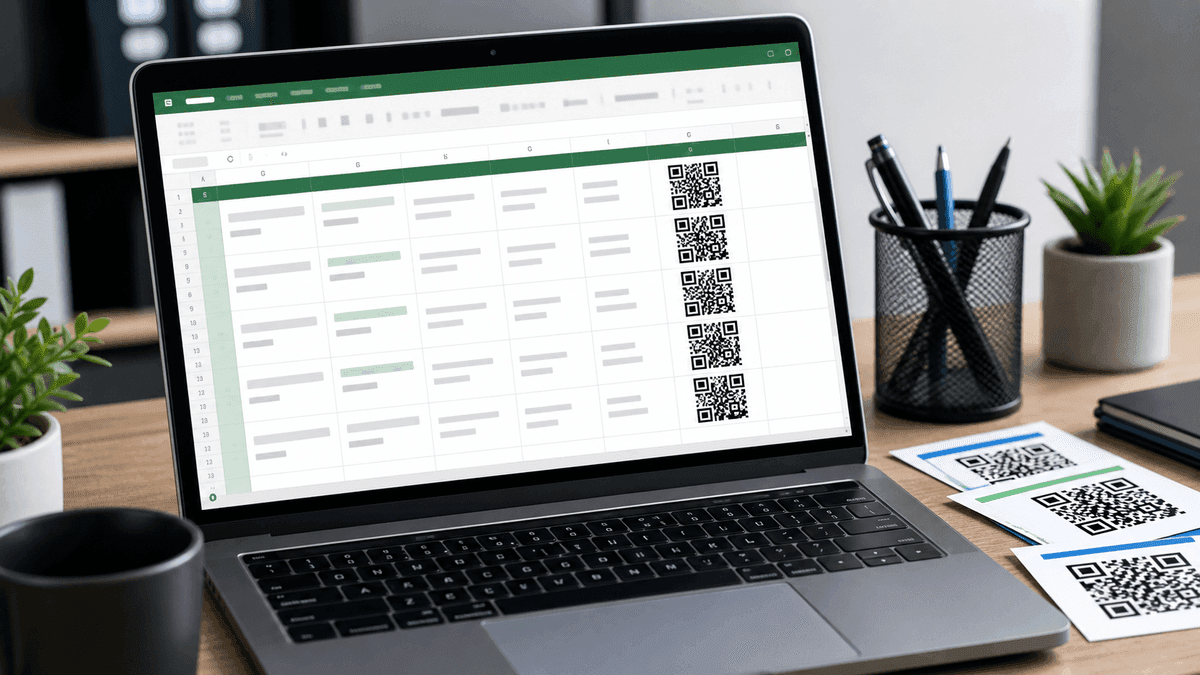
How to Generate a QR Code in Excel (Free Methods)
Three ways to create QR codes in Excel — using an online generator, a free add-in, and a formula method. No coding required.

How to Generate QR Codes in Bulk (Free, Browser-Based)
Generate multiple QR codes at once using the free WebToolsPlanet Bulk QR Code Generator. Step-by-step guide including how to use a URL list from Excel.